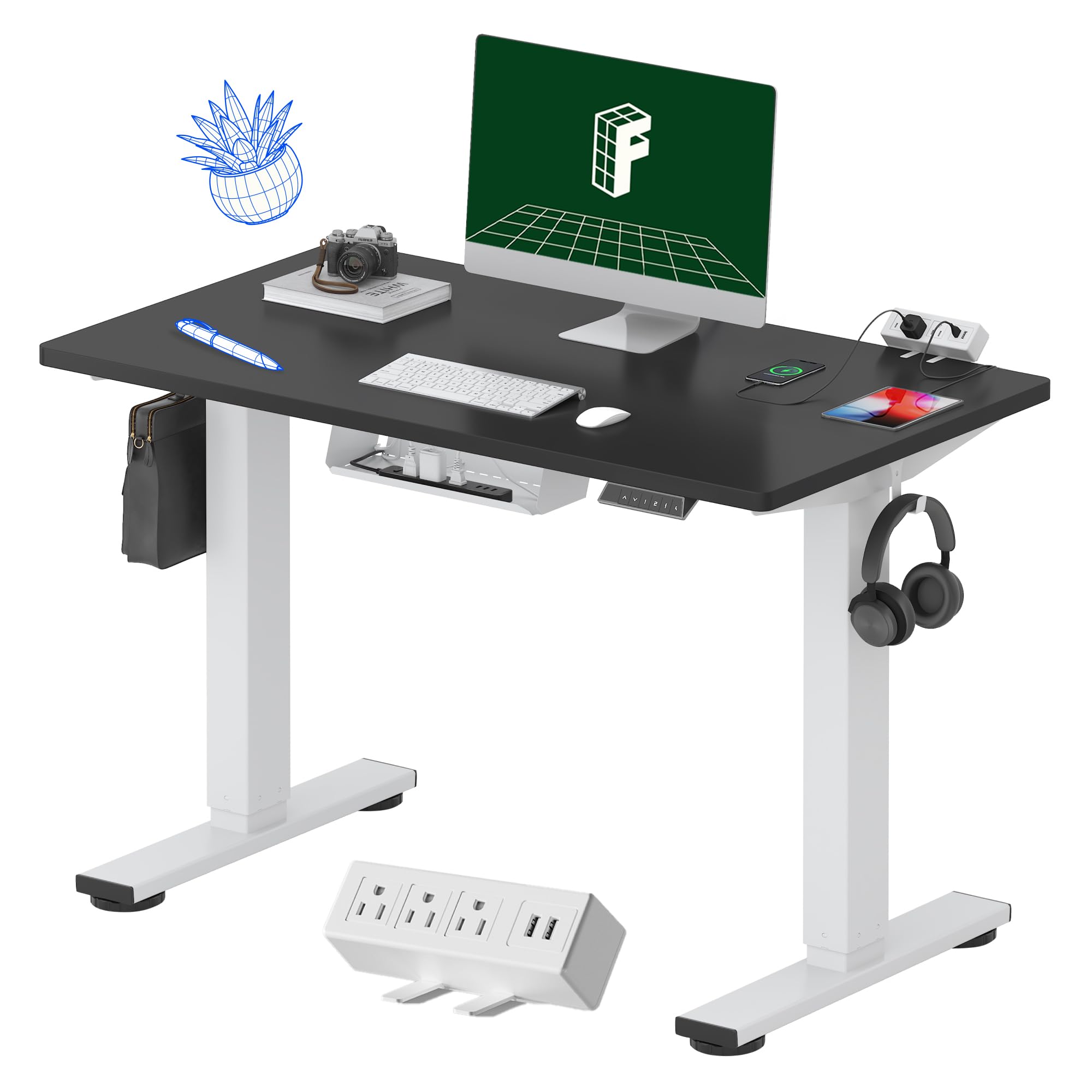
A desk setup that fits your day
Build a desktop around your tasks, your devices and the space you actually have.
Read the guide70 practical guides and 79 brand research briefs. Explore by task, topic or the exact name you are checking.
Build a desktop around your tasks, your devices and the space you actually have.
Read the guideMeasure the footprint of your equipment before choosing accessories for a compact desk.
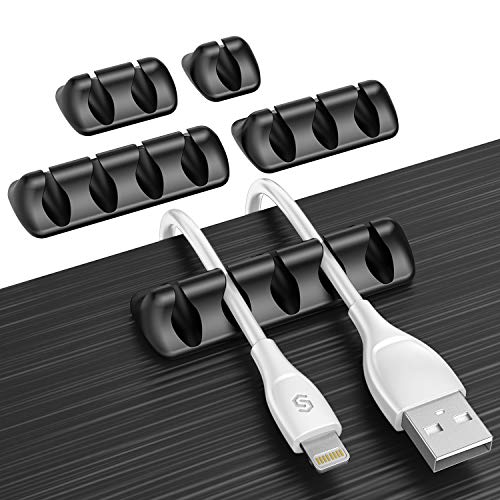
Read the guideOrganize fixed connections and everyday cables without making the desk harder to use.
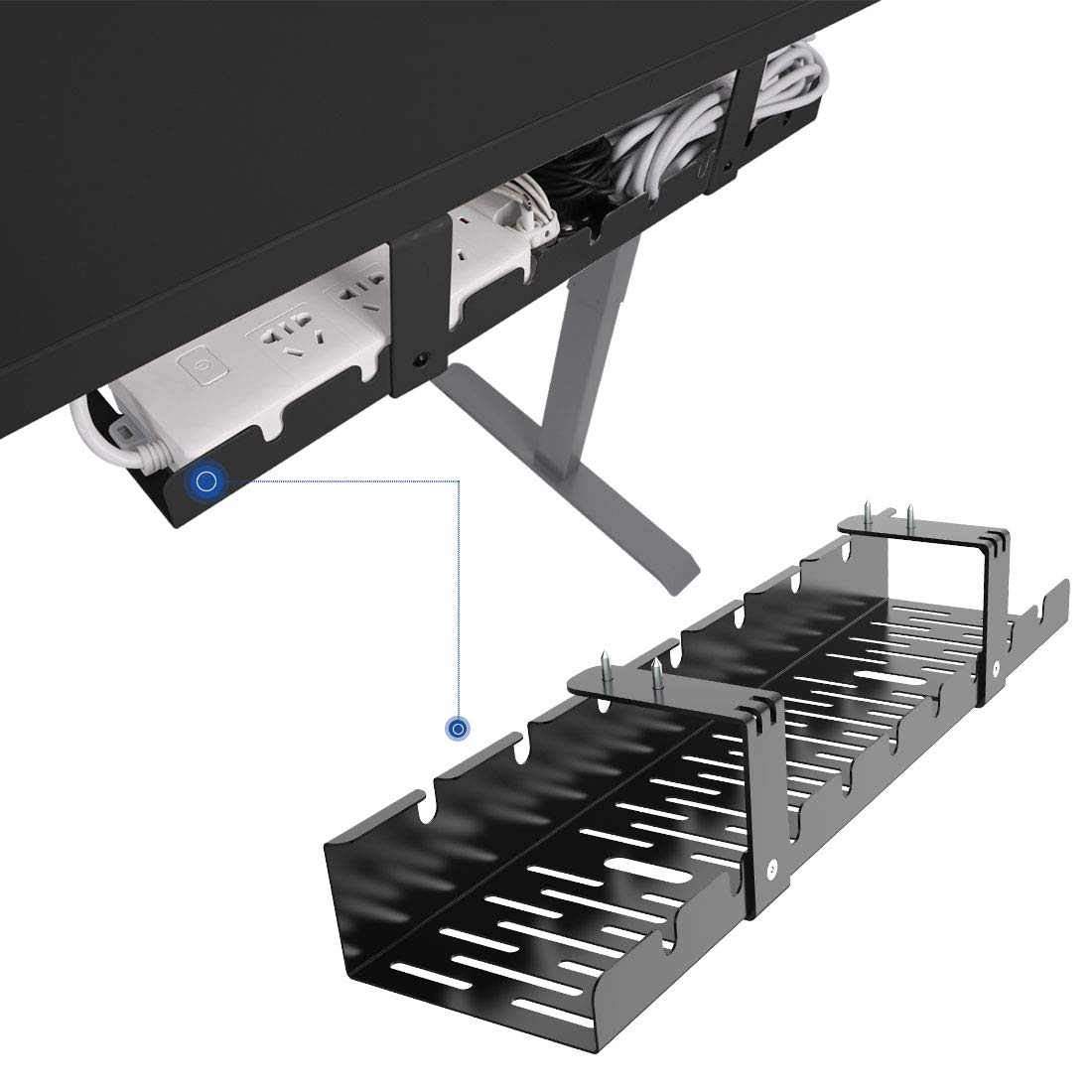
Read the guideA buying checklist for cable trays, clips and boxes, with the mounting details that matter.
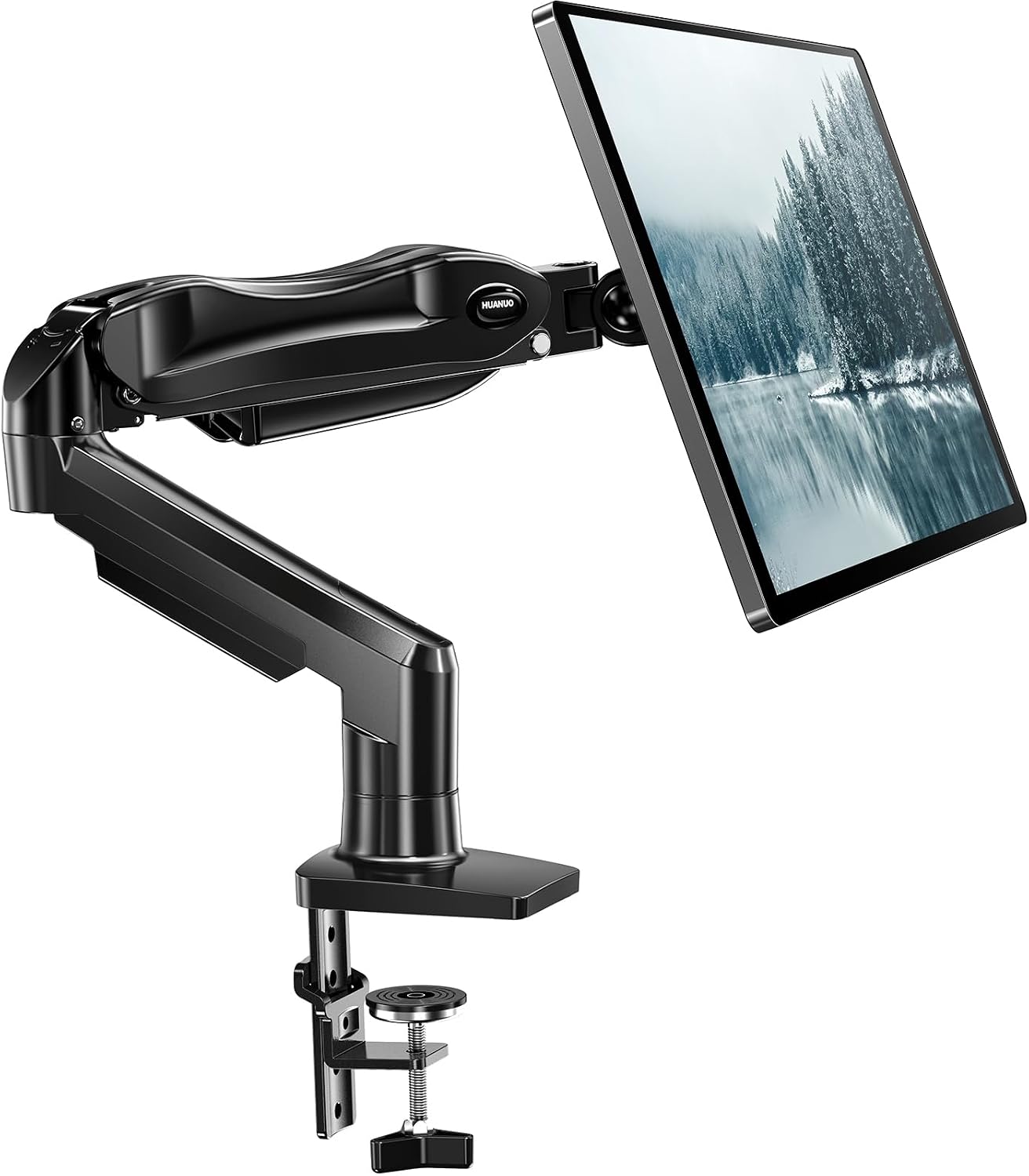
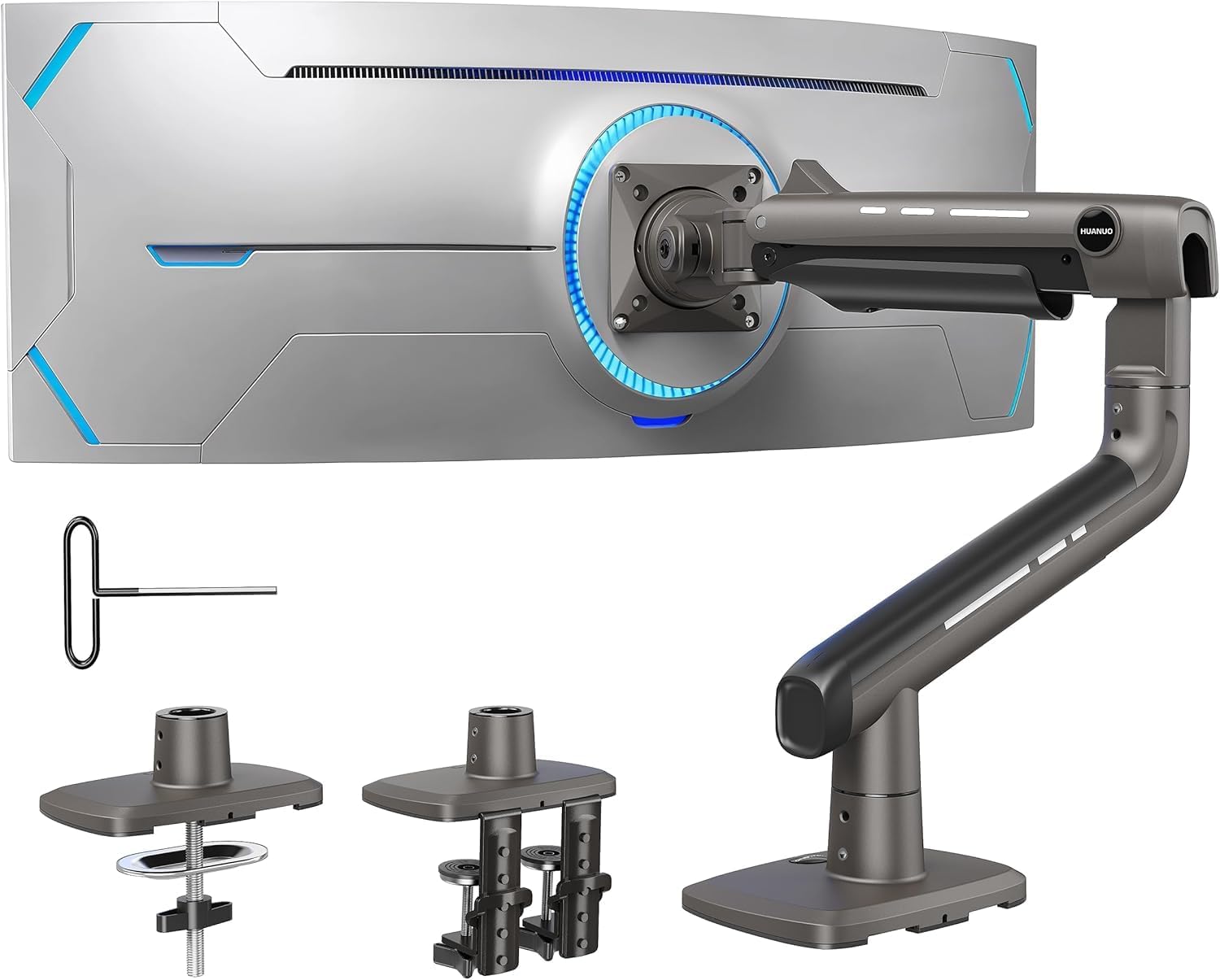
Read the guideCheck screen weight, mounting interfaces and usable desk space before choosing a monitor arm.
Read the guideIdentify the exact model, mounting conditions and cable route before following its installation manual.
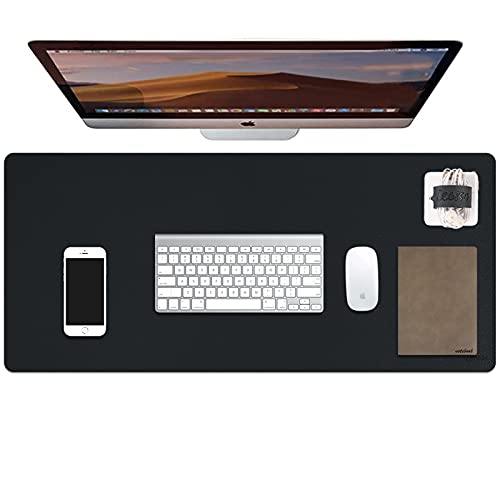
Read the guideMatch the working area, material and care requirements before choosing a color or design.
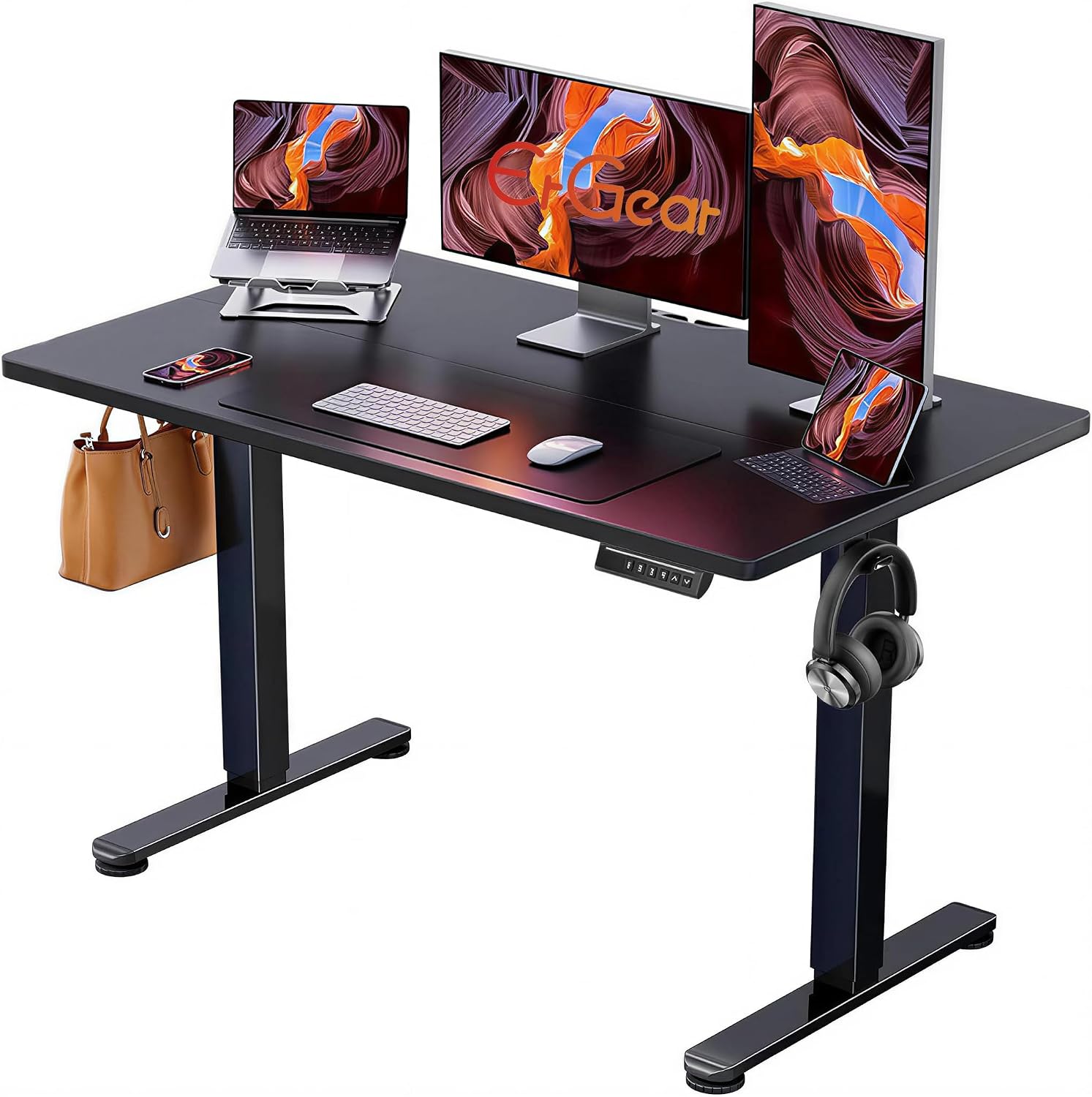
Read the guideCompare the exact top, frame and accessory clearances—not just the nominal width.
Read the guideBuild a gaming desk around the movement you need, then add the visual style.
Read the guidePlan two monitors by the work shown on each screen.
Read the guideStart a laptop-and-monitor setup by deciding whether the laptop screen stays open.
Read the guideSpend first on a repeated problem you can describe.
Read the guideA stand, an arm and a shelf solve different problems.
Read the guideA dual monitor arm needs two complete display checks and one complete desk check.
Read the guideFor an ultrawide display, weight is only one part of the match.
Read the guideClean a desk mat according to its exact material and care label.
Read the guidePlan desk lighting by the surface you want to illuminate.
Read the guideChoose a monitor light bar by the monitor housing and the task below it.
Read the guideA desk shelf should create a useful second level without taking away the working area below.
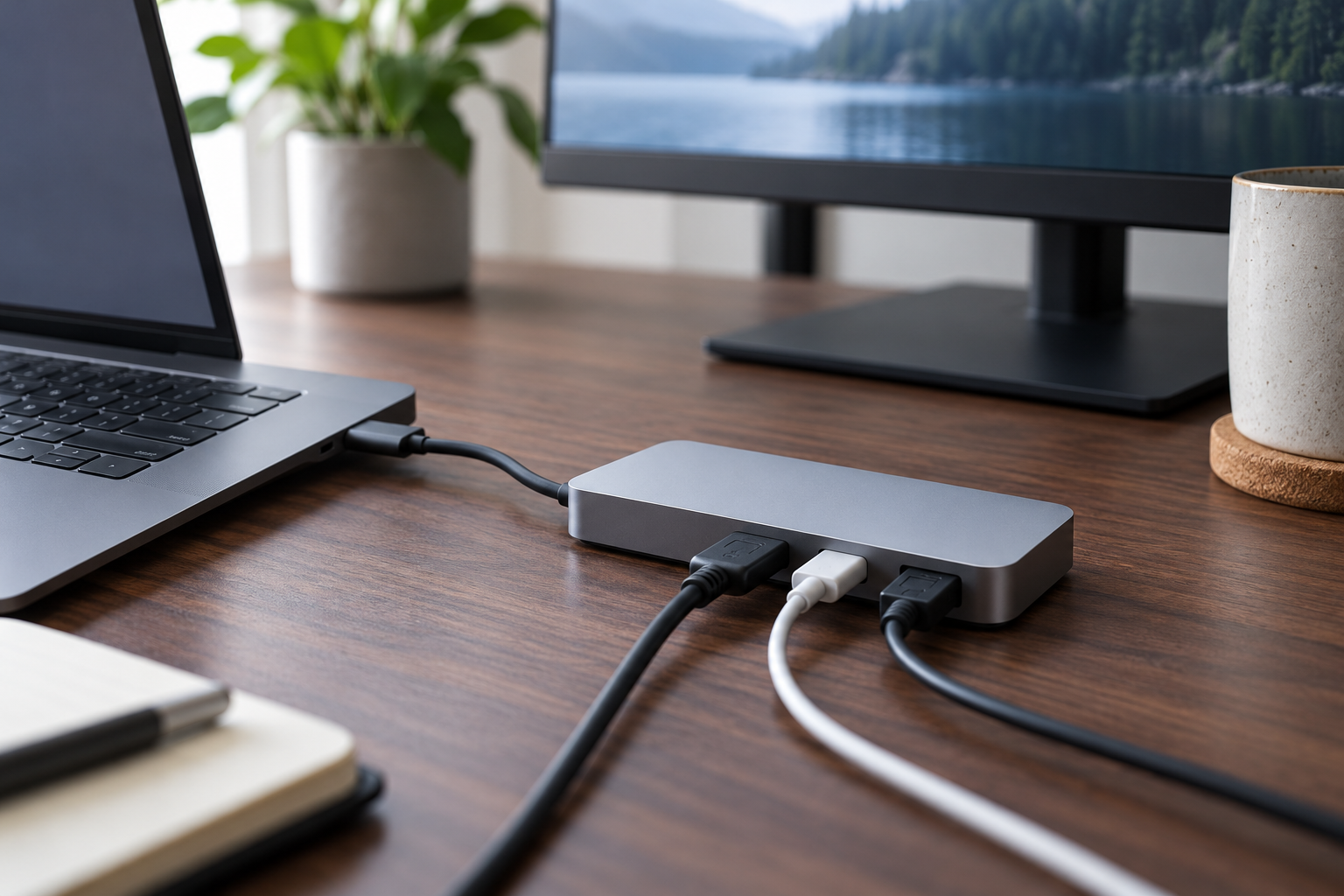
Read the guideChoose a USB-C dock by the computer, displays and power path it must serve.
Read the guideAn open laptop stand changes screen position; a vertical holder stores the laptop differently.
Read the guideReview the workstation as a connected arrangement: seat, work surface, keyboard, pointer and screen.
Read the guideChoose a keyboard layout by the keys you use and the mouse space left beside it.
Read the guideSet up a desktop workstation in two passes: first establish a working computer and display connection, then arrange the surrounding desk.
Read the guideUse an L-shaped desk as two connected work zones rather than one oversized surface.
Read the guideTreat an IKEA desk setup as an exact combination of top, supports and accessories.
Read the guideThree monitors need a task map before a mounting plan.
Read the guideA shared desk works when each person has a complete usable zone.
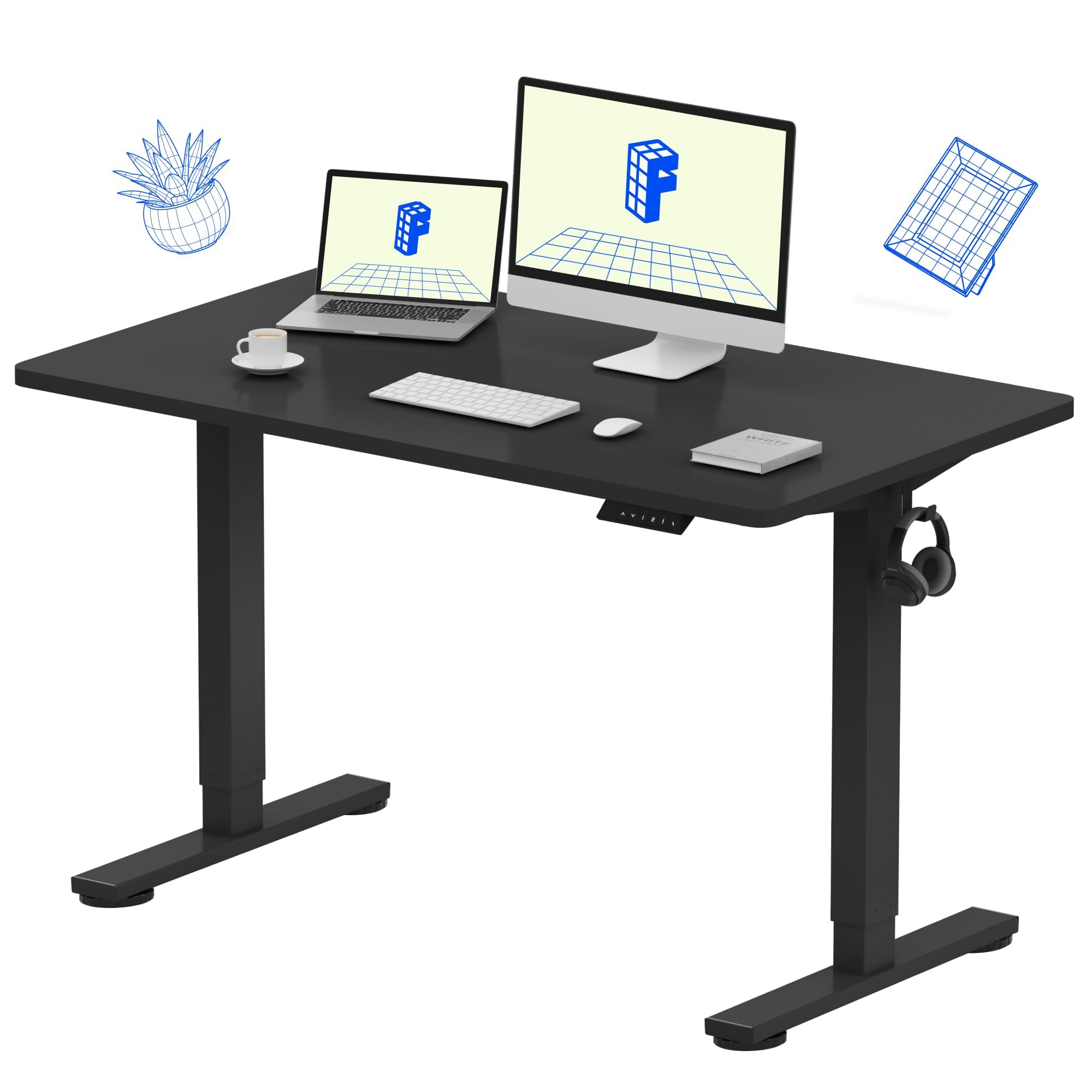
Read the guidePlan a standing desk in its moving positions, not only at the height used for a photograph.
Read the guideFor a Mac or Surface setup, record the exact computer generation before selecting a dock.
Read the guideBuild a streaming or podcast desk around the recording position first.
Read the guideA maker desk should separate ordinary computer work from processes that need their own operating space.
Read the guideA floor or recliner desk needs a stable support and a clear way to enter, leave and change position.
Read the guideAn outdoor desk needs a weather, glare and power plan before an accessory list.
Read the guidePlan a work or study desk around the materials used together: computer, books, notes and writing space.
Read the guideFor desk-based sim racing, plan the mounted wheel, pedals and ordinary work setup as distinct modes.
Read the guideA desk with built-in shelves trades open space for fixed storage.
Read the guideA wall, ladder or folding desk depends on its intended installation as well as its working surface.
Read the guideUnder-desk storage should preserve the space needed for your legs, chair and equipment access.
Read the guideAn above-desk shelf should be planned around the objects it carries and the workspace below.
Read the guideA keyboard tray must fit the keyboard, pointer and desk underneath.
Read the guideA printer or PC shelf must support more than a static box.
Read the guideStart a DIY desk-shelf project with a dimensional brief and a supported-use plan.
Read the guideChoose a chair mat for the floor and the chair’s full rolling area.
Read the guideA standing-desk mat needs to fit the standing position and have a practical storage place when the chair returns.
Read the guideEvaluate an under-desk walking pad as moving exercise equipment with its own instructions.
Read the guideA seat pad changes the relationship between the chair and the desk.
Read the guideDistinguish an edge protector, an elbow pad and a keyboard wrist or palm support.
Read the guideA calendar or writing pad works only when its useful area stays visible and reachable.
Read the guideChoose a printed desk mat in two passes: find a surface and size that work, then select artwork from an identifiable source.
Read the guideA DIY desk mat begins with the intended surface and the process used to make it.
Read the guideA heated desk mat is a powered appliance, not simply a warmer version of an ordinary desk pad.
Read the guideA wireless-charging desk mat combines a working surface with a defined charging position.
Read the guideIdentify what a grounding or ESD mat is intended to do before considering it for a desk.
Read the guideChoose a cutting mat for the material, tool and usable cutting area.
Read the guideChoose a lap desk by the actual laptop, input method and support position.
Read the guideWall, floor and ceiling monitor mounts use different support structures from a desk clamp.
Read the guideA triple monitor mount must match three displays and the intended arrangement.
Read the guideA laptop tray on an arm is a different configuration from a monitor on a VESA plate.
Read the guideA reinforcement plate, adapter or DIY arm part changes a load-bearing assembly.
Read the guideA desk with built-in cable management should make connections accessible as well as less visible.
Read the guideChoose a desk task light for the work surface it needs to illuminate and the space available for its support.
Read the guideA desk with built-in LEDs combines furniture and a lighting system.
Read the guideChoose a dock cable for the complete job: host connection, data, displays and power.
Read the guideFor a Mac dock, start with the exact Mac and required display arrangement.
Read the guideA multi-monitor dock needs a documented simultaneous-display configuration.
Read the guideFor an iPad or Steam Deck desk setup, first decide what the external screen and input devices need to do.
Read the guideBuy a desk accessory by its exact identity and requirements, not by a familiar thumbnail.
Read the guideA Secretlab desk setup should be planned around the exact desk generation and its accessory interfaces.
Read the guideUse a creator’s desk as inspiration only when the source and what it actually shows are clear.
Read the guideAn Acer monitor-arm search can mean an arm for an Acer display or a branded accessory.
Explore the briefFor an Alienware display, compare the exact housing and mounting configuration with the arm.
Explore the briefCompare JOURNEY ALTI versions by their charging arrangement and working surface, not by the shared ALTI name.
Explore the briefTreat an Amazon Basics monitor arm as an exact listing and model, not a permanent specification attached to the brand.
Explore the briefCompare Anker 563, 568, 575 and 675 as different connection systems.
Explore the briefAn AOC screen and an arm require two model records.
Explore the briefFor an Aothia desk mat, verify the selected material and size before comparing its appearance with another pad.
Explore the briefSeparate ARES WING single- and dual-screen requirements before comparing an arm.
Explore the briefFor an Artisan surface, first distinguish a mouse pad from a full keyboard-and-mouse desk mat.
Explore the briefKeep the ROG Ergo Monitor Arm AAS01 distinct from the ASUS display it may support.
Explore the briefAn AVLT brand search needs to be narrowed to a specific mounting configuration.
Explore the briefCompare a Balolo shelf as a complete arrangement of top, supports and any chosen accessories.
Explore the briefFor a Baseus monitor light bar, identify the exact bar and mounting system before comparing controls or color settings.
Explore the briefDistinguish a BenQ display-mounting question from a question about a BenQ arm.
Explore the briefCompare BenQ ScreenBar models by their own mounting and power requirements.
Explore the briefCompare Corsair surfaces by the exact model, size and whether the item has powered features.
Explore the briefA Dell laptop and a Dell dock still need an exact compatibility check.
Explore the briefKeep Dell MSA20 single-arm questions separate from dual-monitor support questions.
Explore the briefIKEA desk pads should be compared by their article numbers and construction.
Explore the briefFor a Drop mat, keep the artwork edition and physical construction together.
Explore the briefVari and Varidesk search wording should lead to an exact product record.
Explore the briefAn Epic Desk mat should be identified by its exact artwork and physical version.
Explore the briefThe current ErGear arm record is a conditional candidate, not a complete compatibility answer.
Explore the briefSeparate Ergotron LX, LX Pro and HX configurations before comparing them.
Explore the briefFor an ESI monitor arm, begin with the actual installed or proposed configuration.
Explore the briefCompare Fellowes monitor supports by configuration and mounting requirements.
Explore the briefA FlexiSpot desk and a FlexiSpot monitor arm are separate products with separate compatibility requirements.
Explore the briefTreat Flo, Ollin and Jarvis as distinct monitor-arm lookup targets.
Explore the briefClarify whether a Govee search concerns light on the desktop or light behind the display.
Explore the briefCompare Grovemade mat variants by their actual material and working area.
Explore the briefFor a Grovemade desk shelf, compare the actual opening and the objects it must support.
Explore the briefKeep the HP USB-C Dock G5 distinct from other HP docks and from the laptop connected to it.
Explore the briefCompare HUANUO FlowLift and TitanLift using their exact records.
Explore the briefKeep Humanscale M2, M2.1, M8.1 and M10 model identities intact.
Explore the briefFor a Hystar mat, make the exact design and physical variant the comparison unit.
Explore the briefAn IKEA monitor-arm search should distinguish a branded support from an arm intended for an IKEA desk.
Explore the briefFor j5create JCD543, software requirements are part of the compatibility decision.
Explore the briefCompare a Kinetic Labs desk mat by its named design, size and construction.
Explore the briefA Knoll monitor-arm inquiry may involve an existing office installation.
Explore the briefFor a Lenovo dock, pair the exact dock identifier with the laptop model and required display mode.
Explore the briefFor an LG monitor-arm setup, identify whether you are choosing a separate arm or working with a display’s supplied support system.
Explore the briefKeep Logitech Desk Mat Studio Series distinct from other Logitech or gaming surfaces.
Explore the briefA search for Logitech monitor arm needs product-category clarification first.
Explore the briefFor an LTT desk pad, check the exact size and version against the available desktop.
Explore the briefFor Monoprice monitor supports, the exact product identifier is more useful than a broad brand search.
Explore the briefFor a Montblanc desk pad, verify the exact material and writing function before treating it as a general mouse-and-keyboard mat.
Explore the briefFor Mount-It supports, identify the exact model and installation type.
Explore the briefFor a MountUp single monitor arm, the exact model and complete supported load range matter more than a broad screen-size label..
Explore the briefKeep an MSI display and an MSI-branded support as separate records.
Explore the briefMSI USB-C Docking Station Gen 2 should be checked against the exact laptop and required output configuration.
Explore the briefFor a Native Union desk mat, compare the exact surface and dimensions with the way you use the desk.
Explore the briefFor a Nordik mat, distinguish the product’s material statement from its color or finish description.
Explore the briefA North Bayou arm needs an exact model record before a useful comparison.
Explore the briefFor a NovelKeys Laser desk or mouse mat, keep the design edition and physical product together.
Explore the briefFor an Oakywood desk shelf, compare the clear lower opening and supported upper use before choosing the finish.
Explore the briefFor a One For All mount, first identify whether the selected support is intended for a monitor, television or another display arrangement.
Explore the briefFor an ONN monitor arm, keep the exact item number, package and manual together.
Explore the briefFor an Orbitkey mat, evaluate the working surface and any organization features as one physical layout.
Explore the briefFor an Osume mat, keep the design and edition attached to the physical specification.
Explore the briefFor a Pixio arm, compare the exact support with the display and desk separately.
Explore the briefFor a Plugable multi-display dock, identify the exact model and its output technology before counting ports.
Explore the briefFor a Quntis light bar, check the exact mounting design and monitor housing before comparing controls or lighting claims.
Explore the briefFor a Raico shelf, begin with the clear working space it creates and consumes.
Explore the briefFor the Razer Aether monitor light bar topic, distinguish physical monitor fit from software and lighting features.
Explore the briefFor a Razer surface, separate the exact model, size and any powered features before comparing it as a desk mat.
Explore the briefFor a Satechi desk mat, keep the exact Premium or Vegan-Leather product wording with its actual composition and dimensions.
Explore the briefSeparate Secretlab standard, dual and Heavy Duty monitor-arm configurations.
Explore the briefFor a Secretlab MAGPAD, identify the exact desk and mat version together.
Explore the briefA StarTech dual-laptop USB-C KVM dock has a different task from an ordinary one-host dock.
Explore the briefFor a Steelcase monitor support, identify the installed furniture interface and exact arm assembly.
Explore the briefFor a SteelSeries surface, distinguish a mouse-only pad from an extended desk mat and identify any powered features.
Explore the briefTargus Universal Dual HD and Universal DV4K wording should lead to separate exact model records.
Explore the briefAn UPLIFT desk and monitor arm need an exact pairing check even when selected from the same brand.
Explore the briefFor a Vernal desk shelf, evaluate the objects it holds and the clear opening beneath it.
Explore the briefFor a VIVO arm, narrow the comparison to the exact product code and screen arrangement.
Explore the briefFor a WALI monitor support, identify the exact stand or arm configuration before comparing it with another budget option.
Explore the briefFor a Workrite Ergonomics arm, the exact assembly and mounting interface should anchor the comparison.
Explore the briefFor a Xiaomi or Mi computer monitor light bar, keep the exact model and market version with the power and mounting information.
Explore the briefFor a Yikda mat, confirm the selected design, size and construction before deciding that it fits a full desk setup.
Explore the briefNo content matches. Try a broader search or select All.