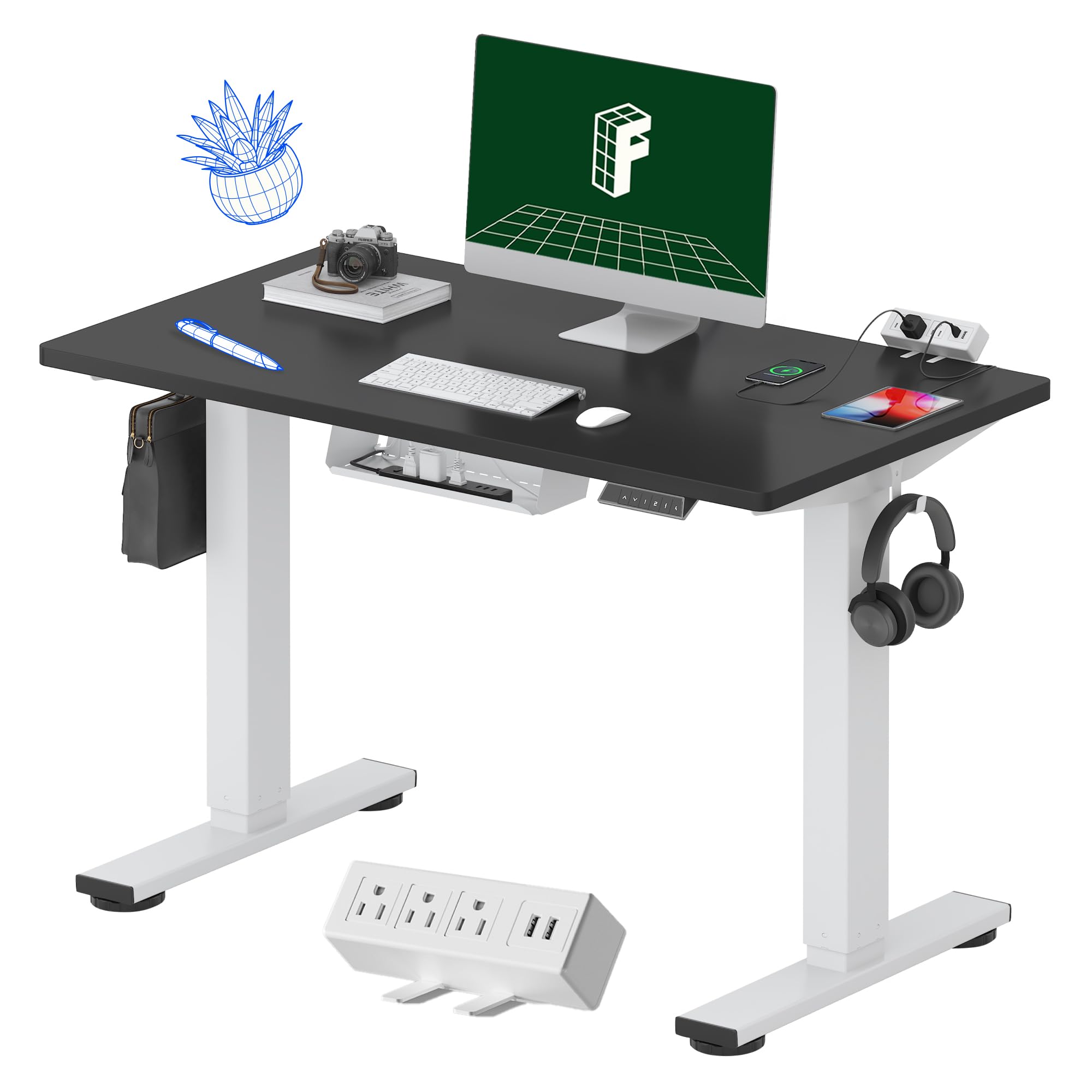
Code & multiple screens
Start with the host and display requirements, then check support and cable access.
We may earn a commission from qualifying purchases through marked product links. Affiliate disclosure.
Map the connections. Check the clearances. Choose hardware around your workflow, from a single-screen workstation to a multi-device setup.
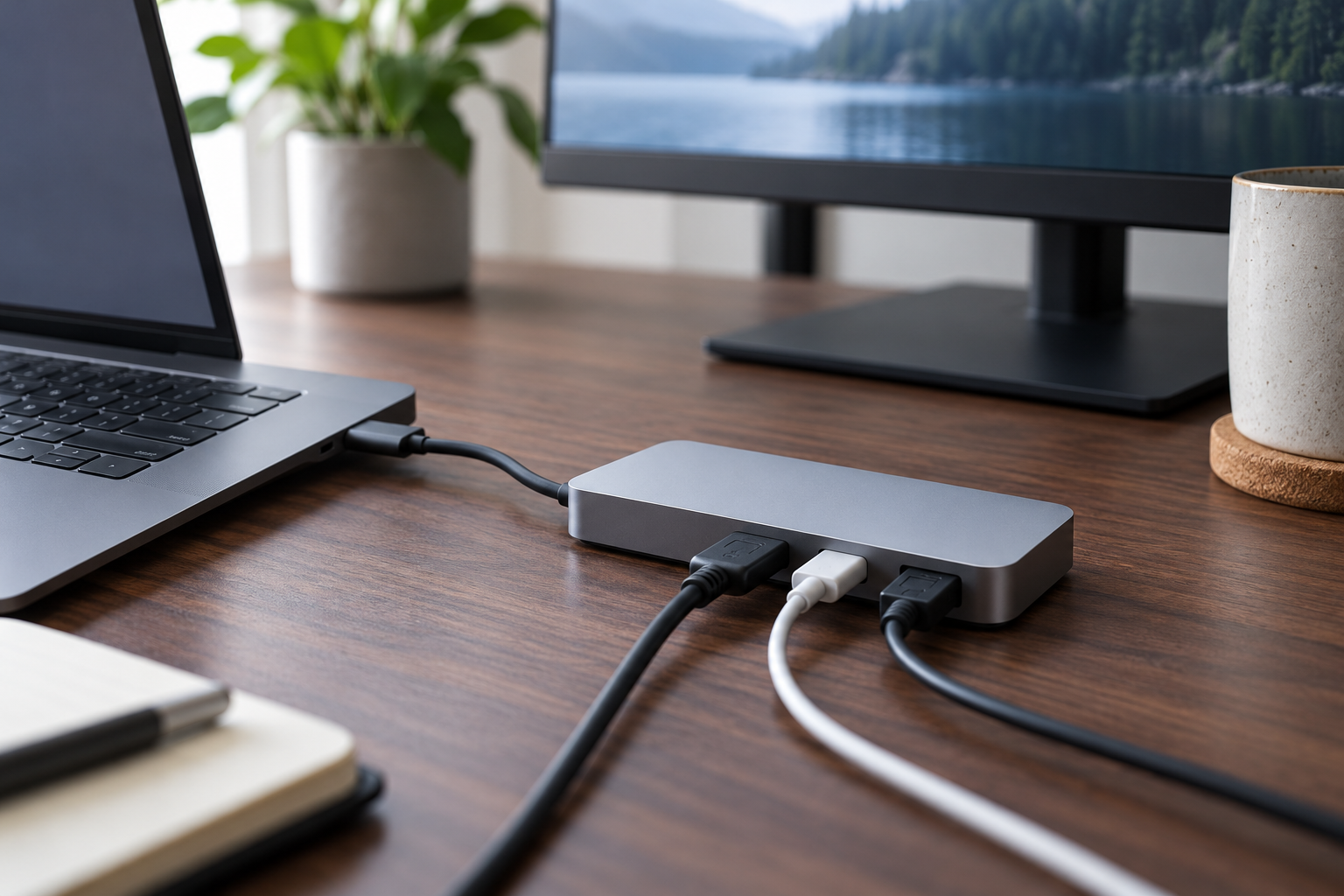
Follow a route using the equipment you already own. Each step narrows the next decision.
Start with the host and display requirements, then check support and cable access.
Reserve mouse travel, check screen placement, then plan lighting and cable routes.
Measure the usable top, plan the laptop connections, then compare desk footprints.
Leave room for your hands, not just your gear.
Match the screen, the mount and the desktop.
A useful setup is one you can live with.
Compatibility checks, cable routes and layout decisions for people who care how their setup works.
Measure the footprint of your equipment before choosing accessories for a compact desk.
Read the guideOrganize fixed connections and everyday cables without making the desk harder to use.
Read the guideCheck screen weight, mounting interfaces and usable desk space before choosing a monitor arm.
Read the guide
Start with your main task, reserve a clear working zone and make the rest earn its place.
Find your starting pointSome product links are affiliate links. Exact offers, prices and fit still need checking. Catalog images may show props that are not included.
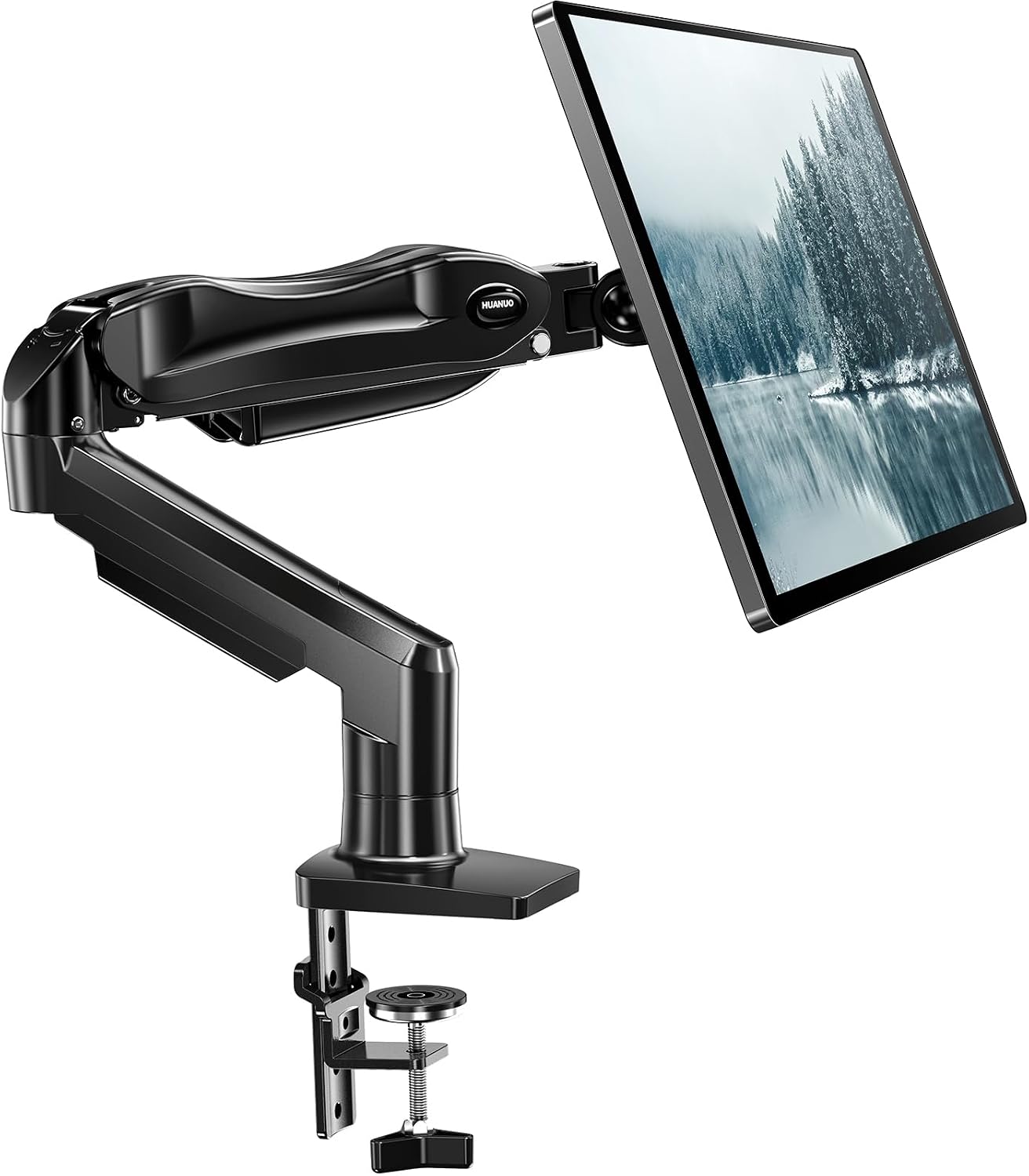
Compare a single-screen support when the stand occupies useful desk space. Verify the full screen–arm–desk match.
Exact-listing snapshot: 13–32 in screens, 4.4–19.8 lb, VESA 75 × 75 / 100 × 100 mm; desktop thickness 0.59–3.54 in.
Check the exact display, desktop material, clear underside and current manual. Family-page tilt information conflicts with the listing; no angle is asserted.
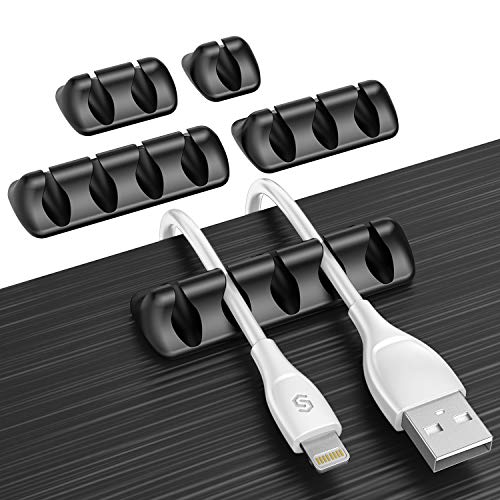
A small routing option for frequently used cables. Cable diameter, surface suitability and the exact black variant need checking.
Catalog identifies the black five-pack. Useful as a candidate for routing individual cables.
Verify cable diameter, surface preparation and removal instructions. Available review observations relate to a Clear variant; performance cannot be transferred to this black pack.
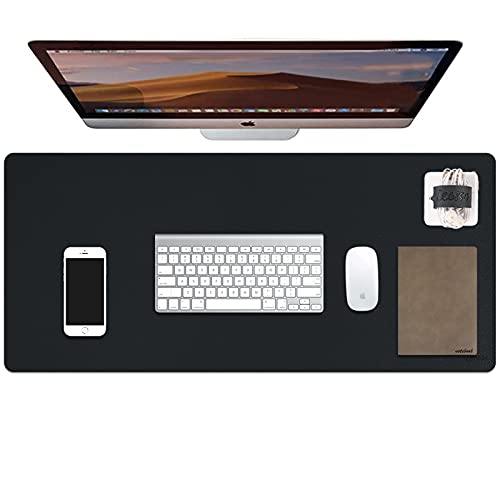
Use its recorded 31.5 × 15.7 in footprint when comparing a keyboard-and-mouse surface. No glide or care performance is assumed.
Catalog identifies a 31.5 × 15.7 in mat with a PU surface.
Confirm dimensions and care instructions for the exact variant. Texture, mouse tracking and long-term wear have not been tested.
Sketch your keyboard and mouse area before rearranging your desk. All measurements are in inches.
A footprint sketch only. It does not verify mounting compatibility, load capacity, ergonomics or product dimensions.
You should know what a recommendation is based on, and what still needs checking.
Our editorial approach ↗Guides connect layout decisions to documented information. This preview does not claim hands-on testing.
Product notes distinguish listing evidence from catalog claims and flag unresolved fit questions.
Start with measurements and the equipment you own. Product references are not a promise of compatibility.