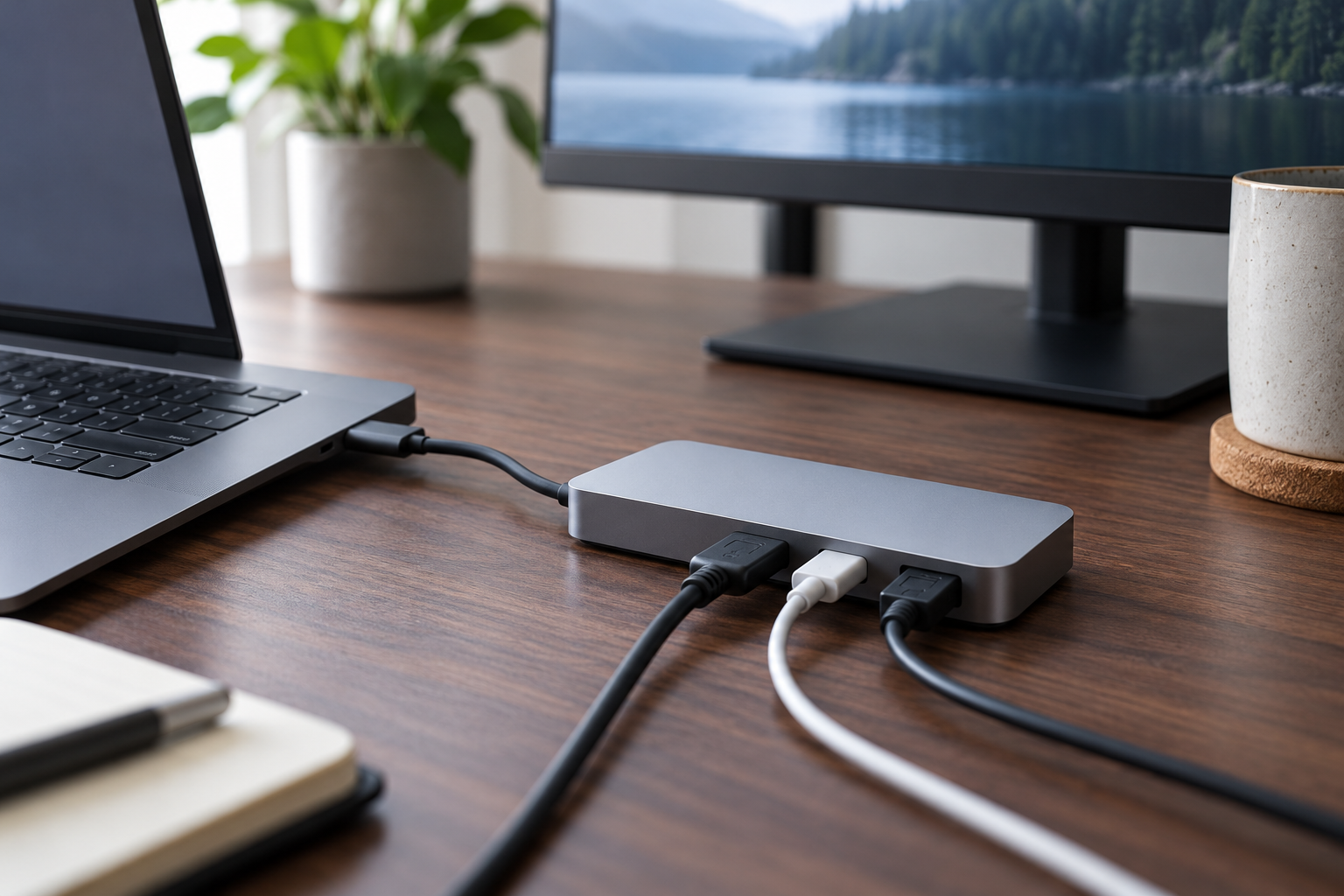
Compare Anker 563, 568, 575 and 675 as different connection systems. Port count and similar numbering should not replace the output conditions for your computer.
Your decision, at a glance.
| Decision | What to look at | Next check |
|---|---|---|
| 563 / 568 | Separate model documentation | Check video technology and host requirements |
| 575 | Host-dependent simultaneous output | Read the exact display table |
| 675 | Dock and monitor-stand form | Check physical use as well as ports |
Start with the host and output behavior
Anker’s 575 support information says resolution and refresh-rate support vary with the host USB-C port and number of monitors. Read the exact configuration table for the required arrangement, including whether screens extend independently. Do not carry that result to the 563, 568 or 675 without their corresponding documentation.
Include the physical form in the decision
The referenced Anker collection identifies the 675 as a dock combined with a monitor stand. That makes its desktop footprint and supported physical arrangement part of the comparison, alongside its connections. For every model, verify software dependencies, power components and the operating system before deciding that more ports make it a better fit.
Build a usable comparison record
The names to distinguish in this topic are 563, 568, 575 and 675. These identify comparison targets from the scope of this guide; they are not a claim that every version is currently offered or interchangeable. A meaningful compatibility record names the computer, dock, cable and every display. Keep software and permission requirements with the hardware notes so a managed work device can be evaluated before purchase.
Record the exact identifier, selected variant and the source of each important specification. Resolve missing information before turning a candidate into a purchase recommendation. A brand-level description cannot establish the compatibility of an unspecified configuration.
Keep these three records together.
Computer model, OS and port
Check the complete supported connection
Independent/mirrored mode and settings
Read the simultaneous-output conditions
Required supply and host charging
Keep adapter rating separate from delivered charging
Sources & scope
Product catalog snapshot: October 19, 2026. Selected primary references checked October 20, 2026. References are not current Amazon offer, price or availability verification.
- Anker: 575 display-resolution and refresh-rate conditions ↗
- Anker: laptop docking-station collection (model identification only) ↗
This is a research draft, not a hands-on review. How the research is used