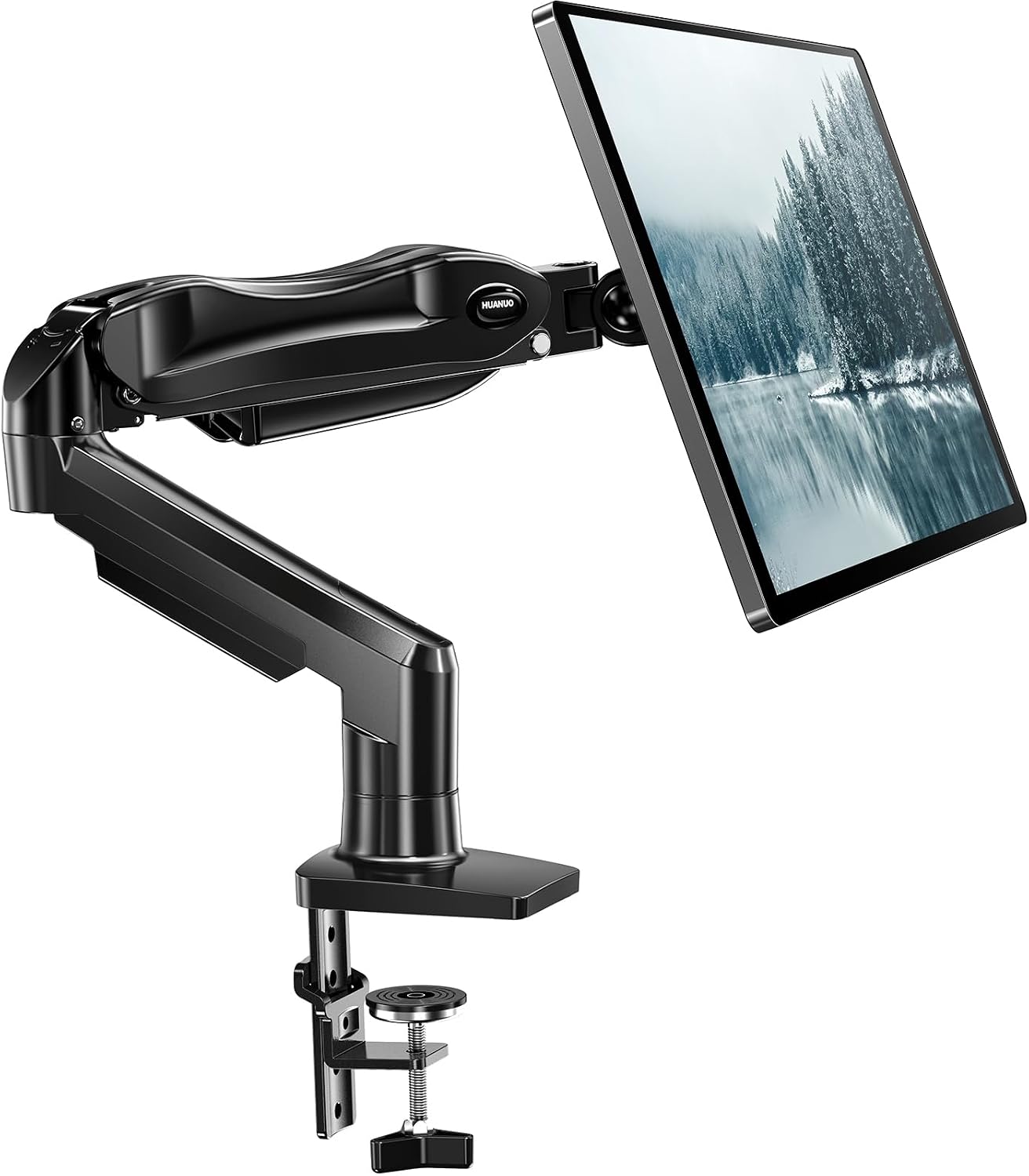
For an ultrawide display, weight is only one part of the match. The exact housing depth, curve, mounting interface and tilt mechanism can determine whether an arm is suitable.
Your decision, at a glance.
| Decision | What to look at | Next check |
|---|---|---|
| Display mass | Mounting configuration weight | Inside the full supported range |
| Display depth | Curve and housing geometry | Match the exact pivot conditions |
| Desk edge | Clamp and underside space | Check construction and movement |
Separate the lift range from the tilt problem
An arm may support a stated mass while a particular pivot has more specific conditions for deep curved displays. Ergotron’s HX documentation, for example, explicitly discusses display depth and its heavy-duty pivot. That example explains why the exact arm-and-pivot combination matters; it is not a universal rating for other brands.
Check the full model string
Write down the display model, mounting weight, VESA pattern and any required manufacturer adapter. Read compatibility notes for the exact curve and housing geometry rather than choosing only by diagonal size.
A heavier-rated arm is not automatically suitable for a lighter screen. Check the lower end of the supported range and the intended pivot as carefully as the upper limit.
Product references for this decision
Some product links are affiliate links. Exact offers, prices and fit still need checking. Catalog images may show props that are not included.
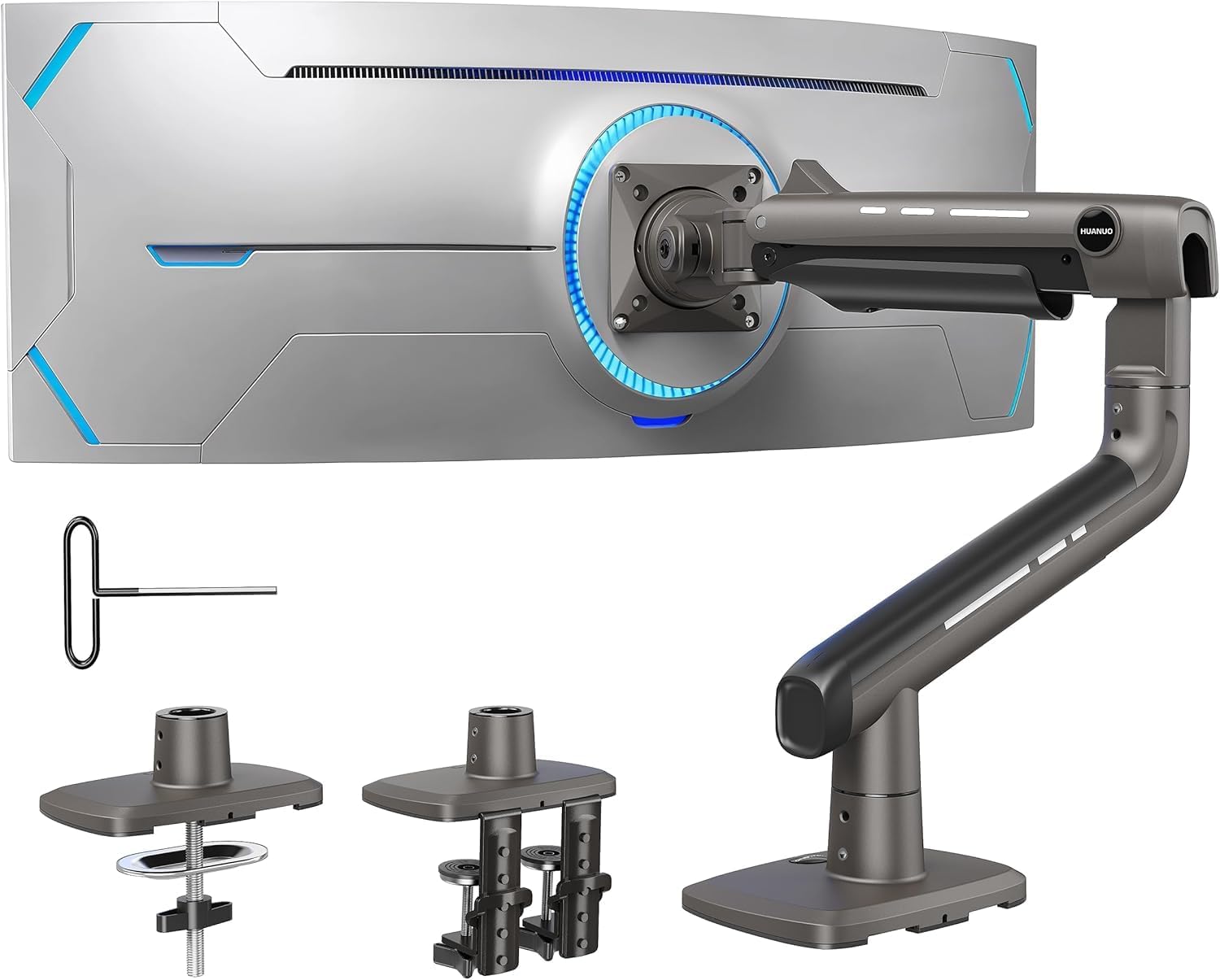
HUANUO TitanLift
An ultrawide support candidate to investigate after measuring the display. Curved-screen and pivot conditions still need exact evidence.
Evidence & open checks
Catalog describes support for screens up to 49 in and 44 lb, with a maximum VESA pattern of 100 × 100 mm.
Catalog evidence only. Confirm minimum weight, curved-display limits, exact manual and desktop fit.
Reserve real installation and movement space
Trace the wide housing in its centered position and at the angle you intend to use. Include the arm’s folded depth, wall clearance, cable exits and any top-mounted accessories. Verify the desk fixing separately.
The TitanLift record below is a provisional catalog candidate. Its 49-inch and 44-pound claims do not establish compatibility with a particular curved monitor; the exact manual and conditions remain unresolved.
Choose the right guide
This guide focuses on: check a heavy or ultrawide display. For a different task, see compare general monitor-arm fit.
Sources & scope
Product catalog snapshot: October 19, 2026. Selected primary references checked October 20, 2026. References are not current Amazon offer, price or availability verification.
This is a research draft, not a hands-on review. How the research is used