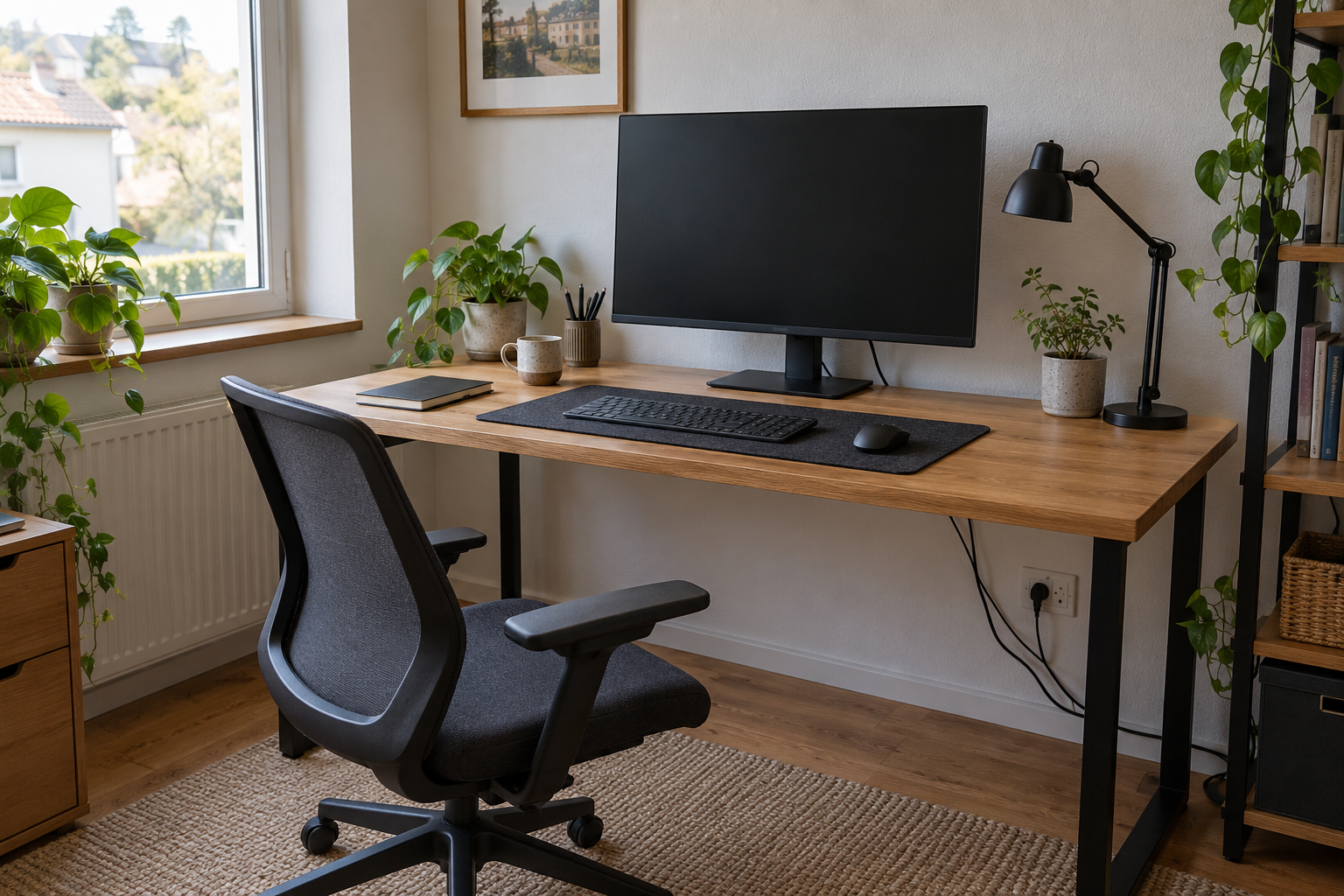
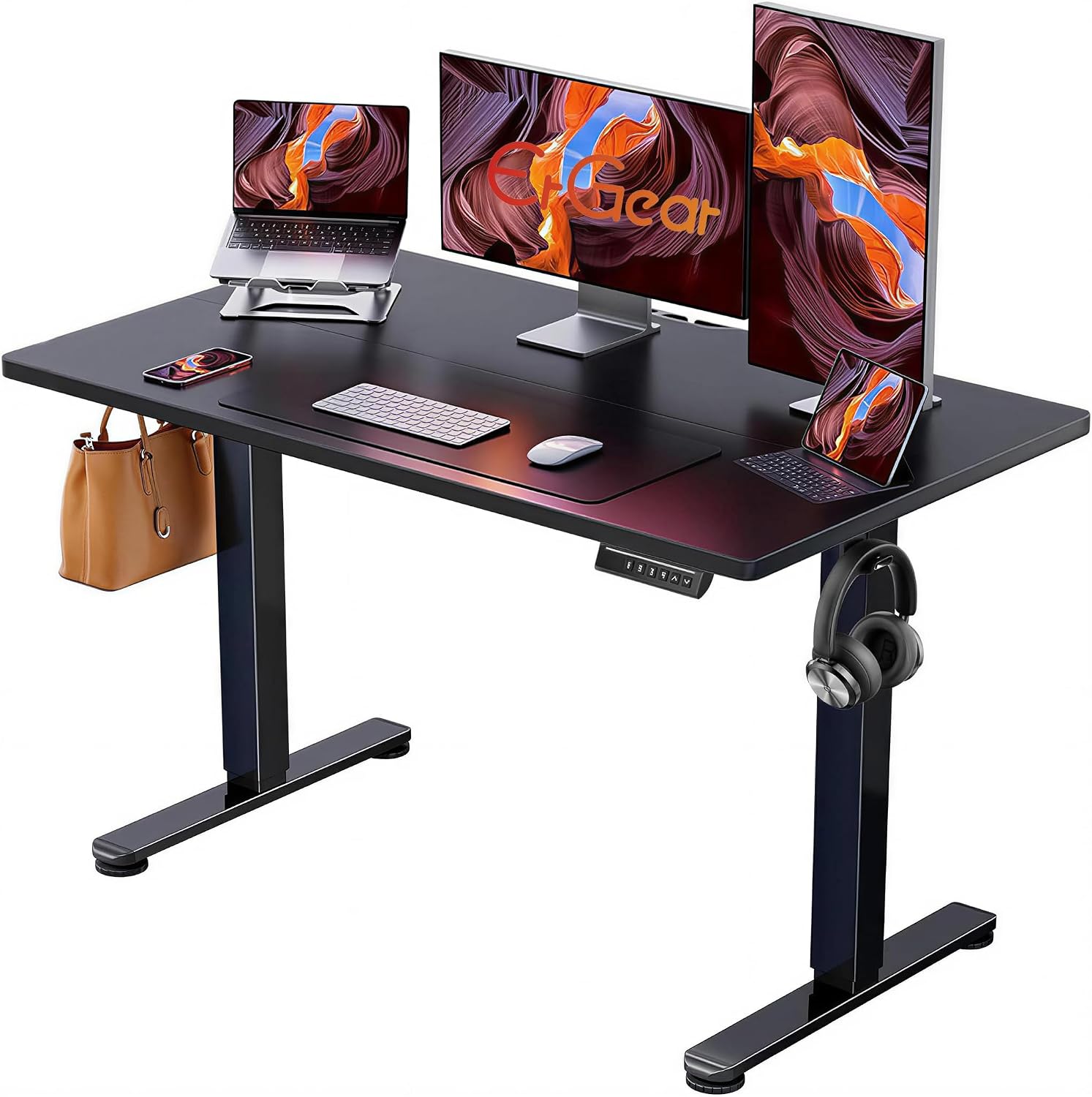
Small-desk planning is a question of usable space, not simply fewer objects. Start with the footprint of the things you need to use at the same time.
Your decision, at a glance.
| Decision | What to look at | Next check |
|---|---|---|
| Desktop | Actual clear width and depth | Subtract fixed storage |
| Inputs | Keyboard and mouse area | Allow normal movement |
| Clamps | Upper and lower footprints | Check the frame and drawers |
Draw the desktop, not the marketing size
Record the actual worktop dimensions and mark curved edges, cable openings and any fixed storage. A nominal 40-inch or 48-inch desk still needs a depth measurement. Measure the keyboard, the area you use for the mouse, the monitor base and any open laptop.
Make the shapes movable. A notebook that opens flat occupies a different area from one stored vertically. A dock also needs access to the plugs and buttons you use, not just room for its housing.
Work from the input area outward
Reserve the keyboard and mouse area before putting storage on the surface. Put a sheet of paper where you normally write. If both cannot be used together, decide whether you will switch tasks or whether the desk needs more room. A shelf above the worktop will not fix every lack of working depth.
Use your own measurements in the planner rather than treating its initial values as recommended dimensions. The sketch is useful for finding obvious overlap; it cannot decide whether a position will be comfortable for you.
Product references for this decision
Some product links are affiliate links. Exact offers, prices and fit still need checking. Catalog images may show props that are not included.
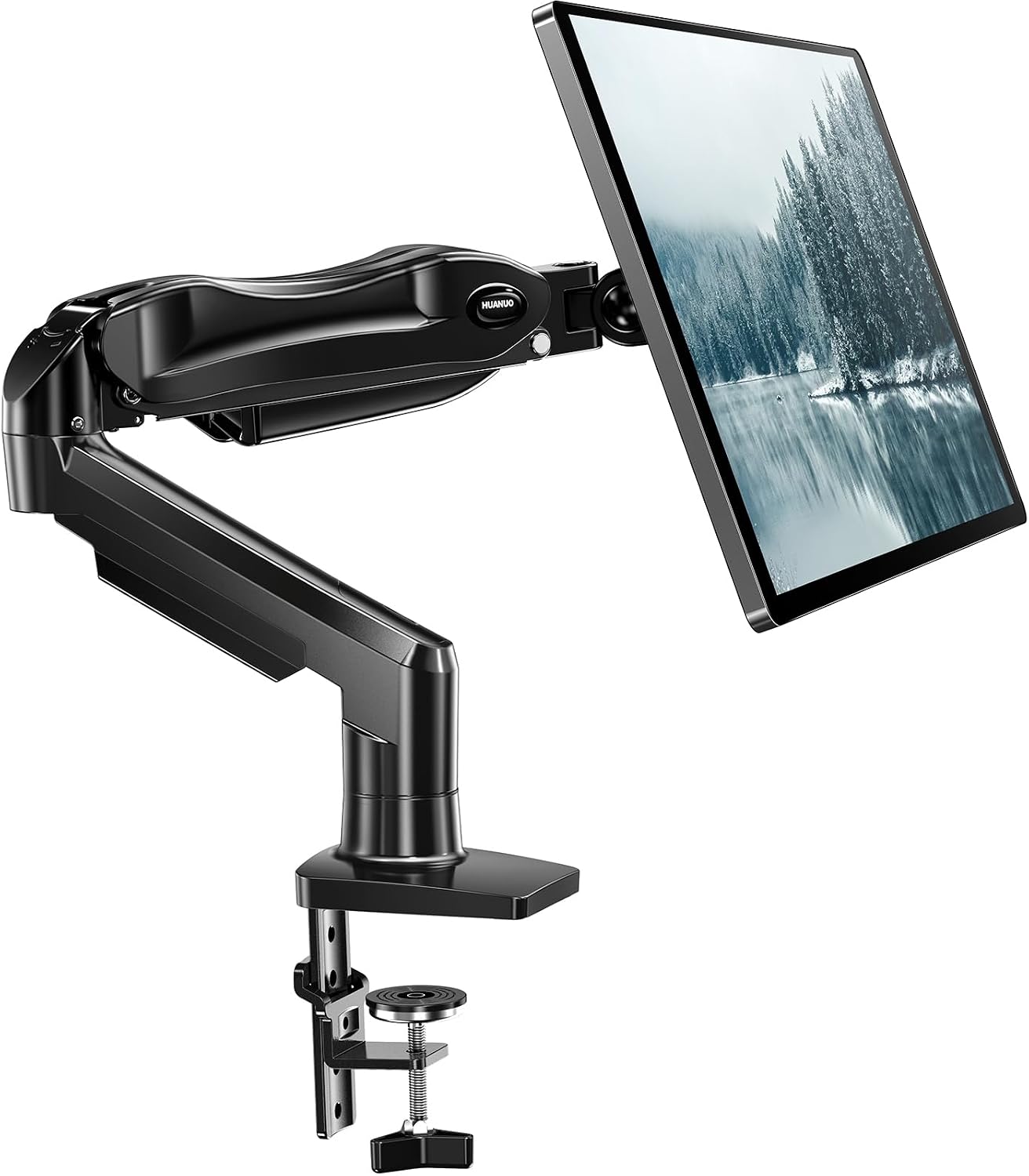
HUANUO FlowLift SS6
Compare a single-screen support when the stand occupies useful desk space. Verify the full screen–arm–desk match.
Evidence & open checks
Exact-listing snapshot: 13–32 in screens, 4.4–19.8 lb, VESA 75 × 75 / 100 × 100 mm; desktop thickness 0.59–3.54 in.
Check the exact display, desktop material, clear underside and current manual. Family-page tilt information conflicts with the listing; no angle is asserted.
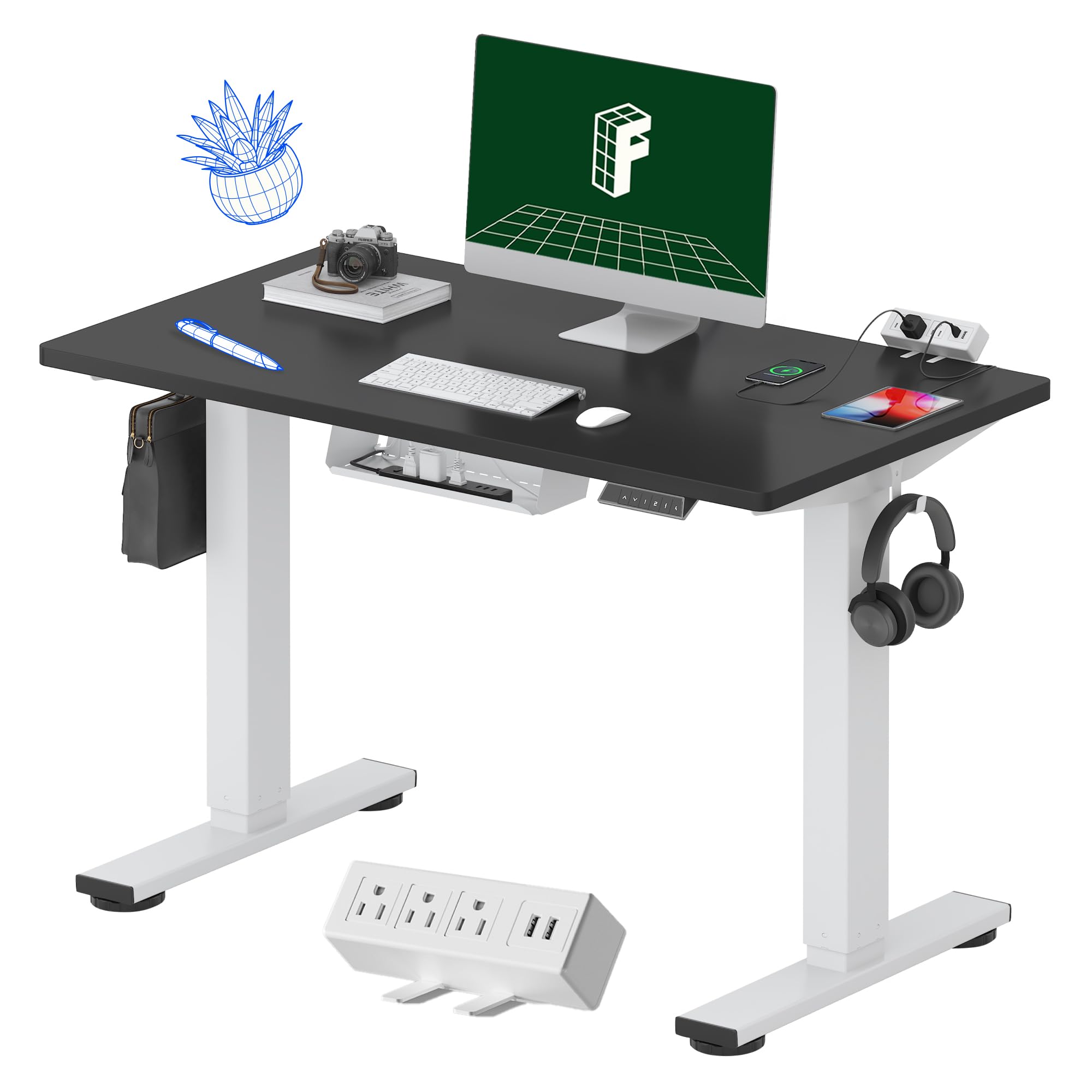
FlexiSpot EN2 40 × 24 in desk
A nominal 40 × 24 in option for a dimension comparison. Check the exact version, included parts and current offer.
Evidence & open checks
Catalog describes a whole-piece 40 × 24 in top and an included power strip.
Confirm the exact variant, current availability, included accessories and clearances. Catalog details have not been checked against a current manual.
One rear edge, several competing accessories
A monitor arm, a clamp-on shelf and a clamp-mounted light can all need the same part of the rear edge. Their top plates may fit while their underside jaws or knobs collide. Sketch the whole clamp footprint and the space needed to install or adjust it.
A drawer rail or frame can block a clamp even when the worktop thickness appears suitable. If the mounting area is uncertain, keep the existing stand while checking the exact desk and mount documentation. Do not assume a reinforcement plate makes an otherwise unsuitable desktop compatible.
Compare a stand, an arm and a shelf by the job
| Option | Measure first | Question to answer |
|---|---|---|
| Original monitor stand | Base footprint and screen position | Can the keyboard and mouse work around it? |
| Monitor arm | Screen weight, VESA, clamp area and arm travel | Does the complete screen–arm–desk combination fit? |
| Desk shelf | Feet, clearance and documented load limit | What will be stored above and below it? |
A shelf that is intended for small items is not automatically a monitor support. The missing specification matters more than the product photograph.
A compact-desk example, with limits
The research catalog includes a FlexiSpot EN2 described as a 40 × 24-inch whole-piece desk, and an EN1 described as 48 × 24 inches. These are examples for a dimension comparison, not proof that either desk works with a particular arm.
For a real purchase, confirm the exact variant, frame clearance, height range and delivery availability. The EN1 research record also has an availability discrepancy, so it is not presented as a currently available recommendation.
Keep a reset routine
Give the items used only occasionally a home away from the input area. Leave one accessible cable for the device you disconnect each day, and group the connections that stay in place. After a normal session, check whether the desktop can return to its layout without unplugging the whole system.
Related hardware to investigate
Catalog references, not tested rankings. Confirm the exact configuration and open checks in each product note.
- MCHOSE G98 PRO Wireless Gaming Keyboard, Tri-Mode Connection Mechanical Keyboard, Hot Swappable Custom Gasket Structure, Pre-lubed Linear Switches, Double Shot PBT Keycaps, RGB LED Backlit, Blue&White
- MCHOSE X75 V2 Wireless Mechanical Keyboard Volume Knob, Tri-Mode BT5.0/2.4GHz/USB-C Hot Swappable Custom Keyboards, Linear Switch Creamy Keyboards, RGB Gaming Keyboard for PC/Tablet/PS/Xbox, Blue
- MCHOSE K99 Wireless Mechanical Keyboard, Tri-Mode Connection Gaming Keyboard, Hot Swappable Custom Gasket Structure, Pre-lubed Linear Switches, Double Shot PBT Keycaps RGB LED Backlit Navy Blue
- MCHOSE G75 PRO 75% Wireless Mechanical Keyboard, TKL Keyboards Tri-Mode BT5.0/2.4GHz/USB-C, Hot Swap Custom Creamy Keyboards Linear Switch, Double Shot PBT Keycaps RGB LED Backlit, Black&Purple
- MCHOSE Jet 75 Rapid Trigger Keyboard 75% Percent, Hall Effect White Topographic Gaming Keyboard, Wired RGB Custom Mechanical Keyboards with Magnetic Switch, PBT Keycaps, White
- MCHOSE GX87 Lite Wireless Mechanical Keyboard TKL 80% Gaming Keyboard Creamy QMK/VIA CNC Aluminum USB-C/BT5.0/2.4Ghz 8000mAh Battery Custom Hot Swappable RGB Backlit for Windows/Mac/PC Green&White
- MCHOSE GX87 Ultra Wireless Mechanical Keyboard TKL 80% Gaming Keyboard Creamy QMK/VIA CNC Aluminum USB-C/BT5.0/2.4Ghz 8000mAh Battery Custom Hot Swappable RGB Backlit for Windows/Mac/PC White
- MCHOSE GX87 Mechanical Keyboard TKL CNC Aluminum, 80% Creamy Gaming Keyboard Wireless, Hot Swappable, RGB Backlit, USB-C/BT5.0/2.4Ghz 8000mAh Battery, QMK/VIA/Macro Support, Blue&White
- GK GAMAKAY MK61 RGB Pudding Keyboard, 61 Keys Optical Switch PBT Pudding Keycaps, Hot Swappable Backlit Ultra-Compact Wired Gaming Keyboard for Windows Mac PC Gamers (Blue Switch, White)
- GK GAMAKAY LK67 RGB Modular DIY Mechanical Keyboard, 67 Keys Hot Swap 3pin/5pin Switch, Programmable Triple Mode Bluetooth 5.0/USB-C Wired/2.4GHz Wireless Customized Keyboard Kit (Milky White)
- GK GAMAKAY TK75HE V2 Rapid Trigger Wireless Keyboard TFT Screen, Tri-Mode BT/2.4GHz/USB-C, 8KHz Polling Rate 0.005mm RT, Hall Effect Magnetic Switch 75% Gaming Keyboard (Milky White, Phoenix)
- GK GAMAKAY x NaughShark NS68 Rapid Trigger Wired Gaming Keyboard, 65% Hall Effect Mechanical Keyboard, 8KHz Polling Rate 0.01mm RT, Snap Tap, Outemu Peach Crystal Magnetic Switch (White-Side Through)
- GK GAMAKAY SN75 75% Mechanical Keyboard Kit, VIA Programmable Hot Swap Tri-Mode Bluetooth/Type-C/2.4G Wireless RGB Customized Keyboard Kit, PCB Mounting Plate EVA Sound Insulation Mat (Red)
- GK GAMAKAY TK68 Mechanical Gaming Keyboard (Blue Switch)
- GK GAMAKAY Phoenix Linear Silent Keyboard Switch with LED Diffuser, 35Pcs
- GK GAMAKAY Linear Mechanical Keyboard Switch, 35Pcs/Pack GamaKay Crystal Switch 3 Pin Pre-lubed Switches for LK67 TK75 CK68 DIY Mechanical Gaming Keyboard (Crystal Switch)
- GK GAMAKAY Linear Mechanical Keyboard Switch, 35Pcs/Pack Bumblebee Switch 3 Pin Switches for LK67 CK61 CK68 DIY Mechanical Gaming Keyboards (Bumblebee Switch)
- GK GAMAKAY 123 Keys Pink Gradient Keycaps Set, OEM Profile Side Hot-Stamping PBT Keycap Set Suitable for 61/68/75/80/84/87/98/104/108 Layout Mechanical Gaming Keyboard (Pink Gradient Theme)
- GK GAMAKAY White Japanese Keycaps 129 Keys Cherry Profile PBT Dye-Sub Minimalist Keycap Set Suitable for LK67 TK75 MK61/87/98/104/108 Layout Mechanical Gaming Keyboard (White-Japanese)
- GK GAMAKAY 113 Keys Transparent PC Keycaps Set with 2.75 Shift, ASA Profile Keycaps for SN75 98% 75% Layout MX Gateron Kailh Switch Mechanical Gaming Keyboard (Clear Amber)
- GK GAMAKAY 122 Keys Shine Through Custom Keycaps Set, Side Transparent SA Profile Five-Sided Thermal Sublimation PBT Keycap for 61/68/75/87/104 Layout Mechanical Gaming Keyboard (Planet Theme)
- GamaKay Wooden Wrist Rest Pad, 17.32'' Compact Walnut Wood Hand Wrist Rest
- GK GAMAKAY Pegasus Tactile Silent Keyboard Switch with LED Diffuser, 35Pcs
- GK GAMAKAY GK75 75% RGB Transparent Gasket Mechanical Keyboard, Bluetooth/USB-C/2.4GHz 80 Keys Hot Swap Yellow Switch 2.0 KSA Profile PBT Keycaps Gaming Keyboard (Transparent Silver)
Your next decision
- Small-space laptop desk: Laptop Desk Setup with an External Monitor
Sources & scope
Product catalog snapshot: October 19, 2026. Selected primary references checked October 20, 2026. References are not current Amazon offer, price or availability verification.
- The Desk Nook: small-desk layouts ↗
- Chair & Cable: small-space guide ↗
- CompactDeskGear: small-desk ideas ↗
- Exact US listing: FlexiSpot EN1 B08BHPMYGK ↗
This is a research draft, not a hands-on review. How the research is used