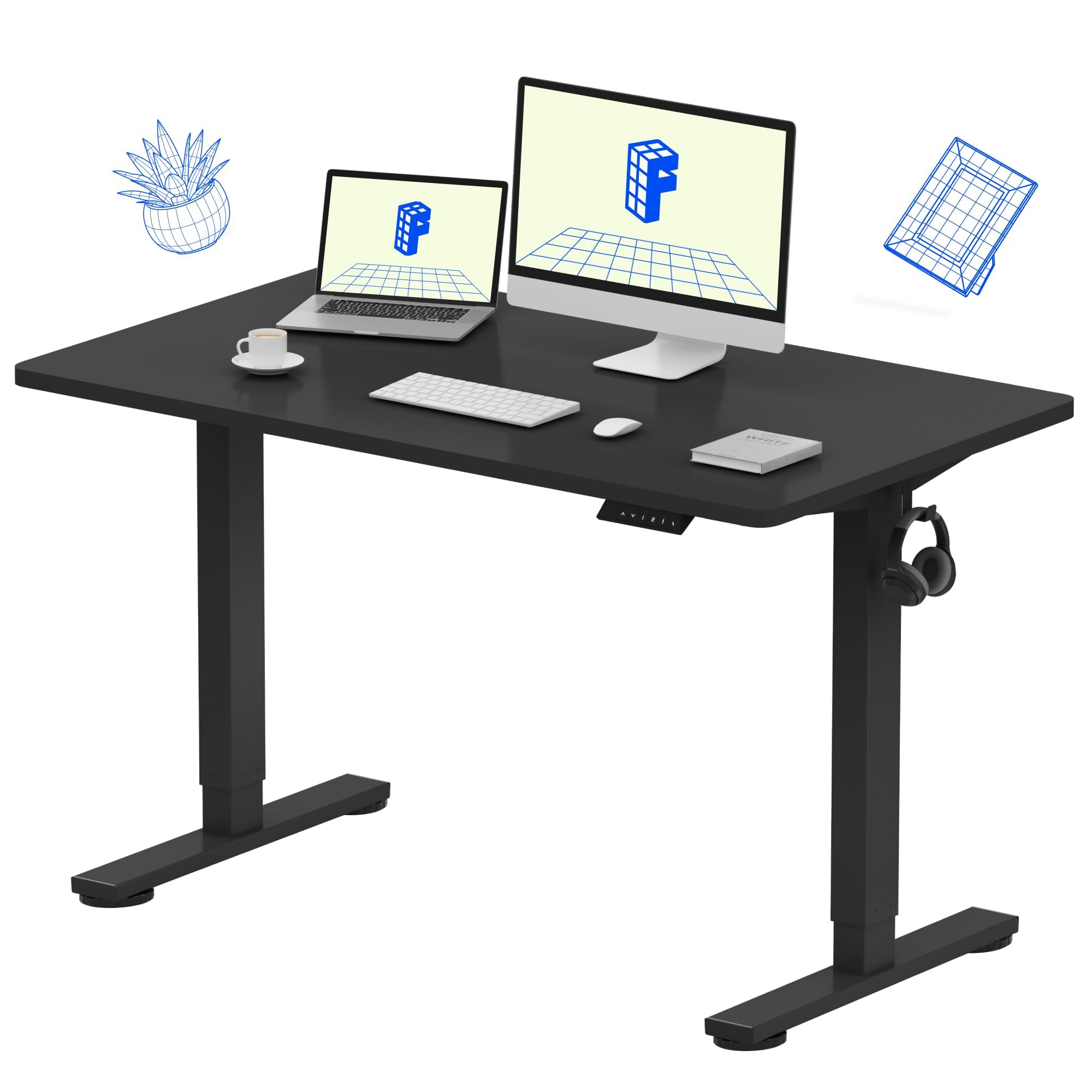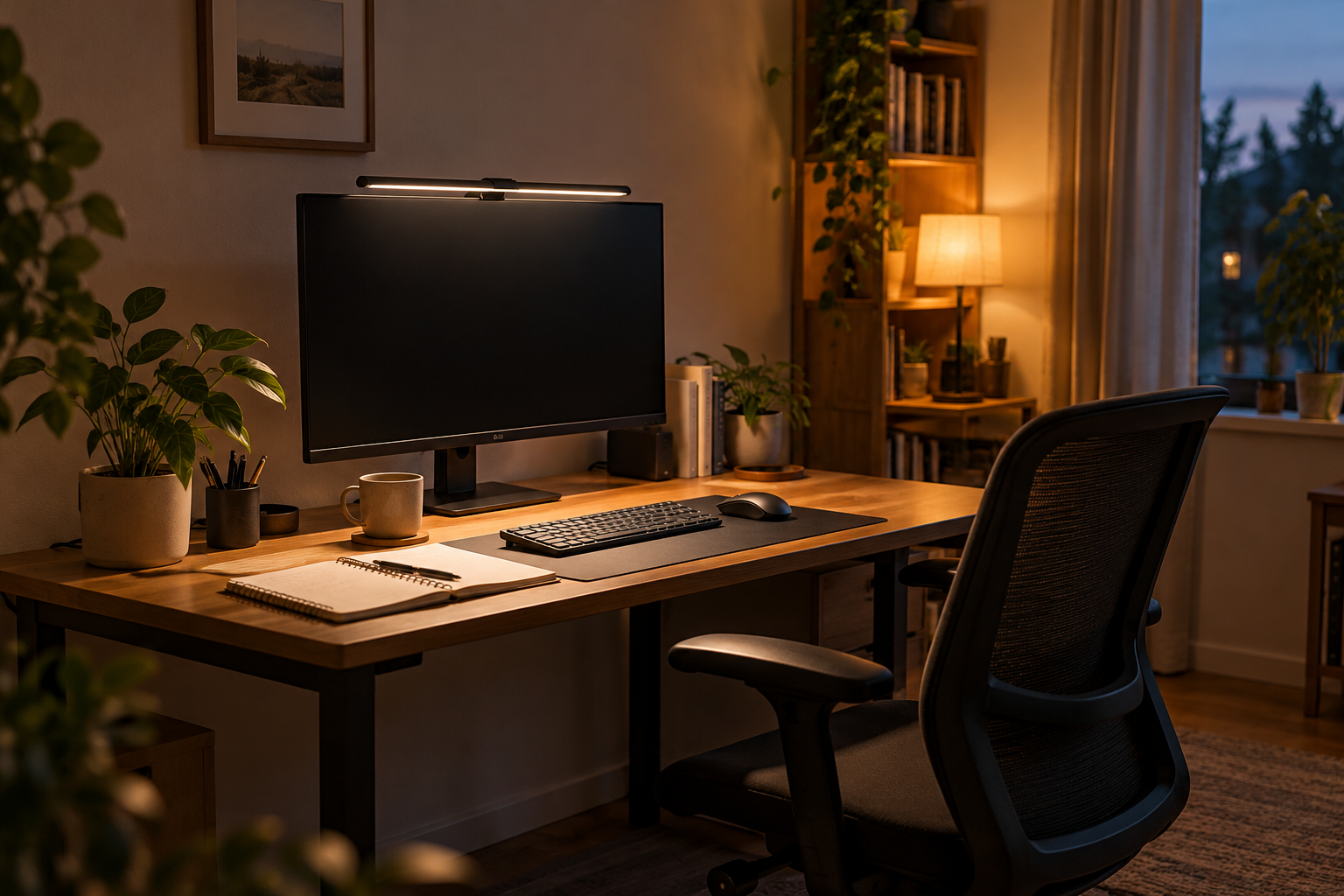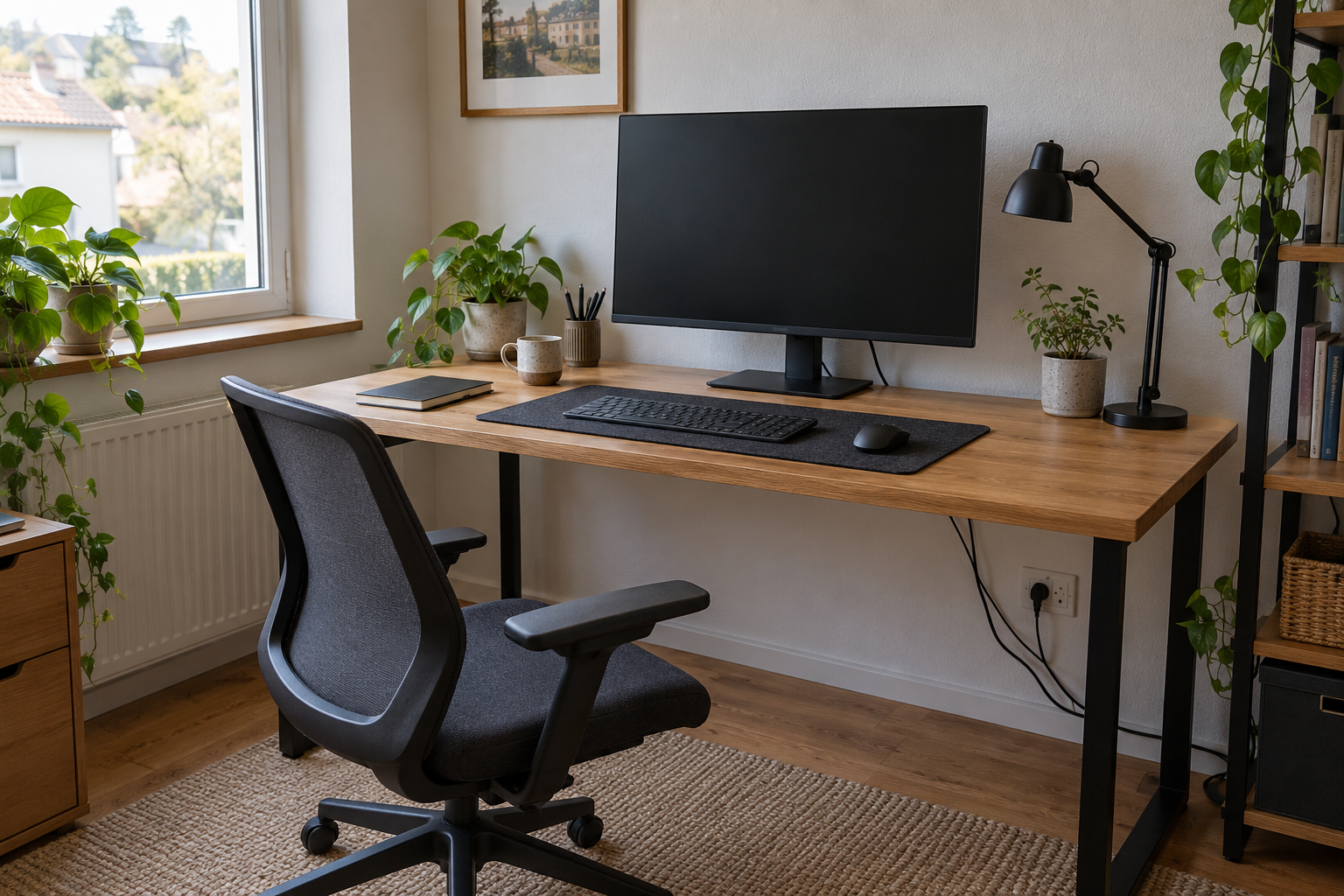
Build a gaming desk around the movement you need, then add the visual style. A wide mouse sweep, a microphone and a second screen compete for different parts of the same surface.
Your decision, at a glance.
| Decision | What to look at | Next check |
|---|---|---|
| Mouse movement | Mark the actual sweep | Keep bases and mat edges outside it |
| Second display | Assign chat or reference work | Choose its position by use |
| RGB accessories | Reserve a cable and controller route | Check glare before fixing |
Reserve the playing area
Place your keyboard at its normal angle and mark the mouse movement used in a real session. Keep the edge of a mat, the microphone base and a drink outside that movement. If you use a controller, give it a landing spot that does not become an obstacle when switching back to the keyboard.
The computer tower also occupies a service zone: leave its documented ventilation openings and ports accessible. A clean photograph is not a useful target if changing a cable requires moving the whole desk.
Separate screen support from screen count
Decide whether the second screen shows chat, reference material or the game itself. This determines which screen belongs in front and which can sit to the side. A monitor arm changes the support footprint, but the screen still needs physical width and space to move.
An ultrawide screen needs an arm evaluated for the exact weight, mounting pattern and curved geometry. The TitanLift entry below is a catalog candidate, not a tested recommendation for your display.
Product references for this decision
Some product links are affiliate links. Exact offers, prices and fit still need checking. Catalog images may show props that are not included.
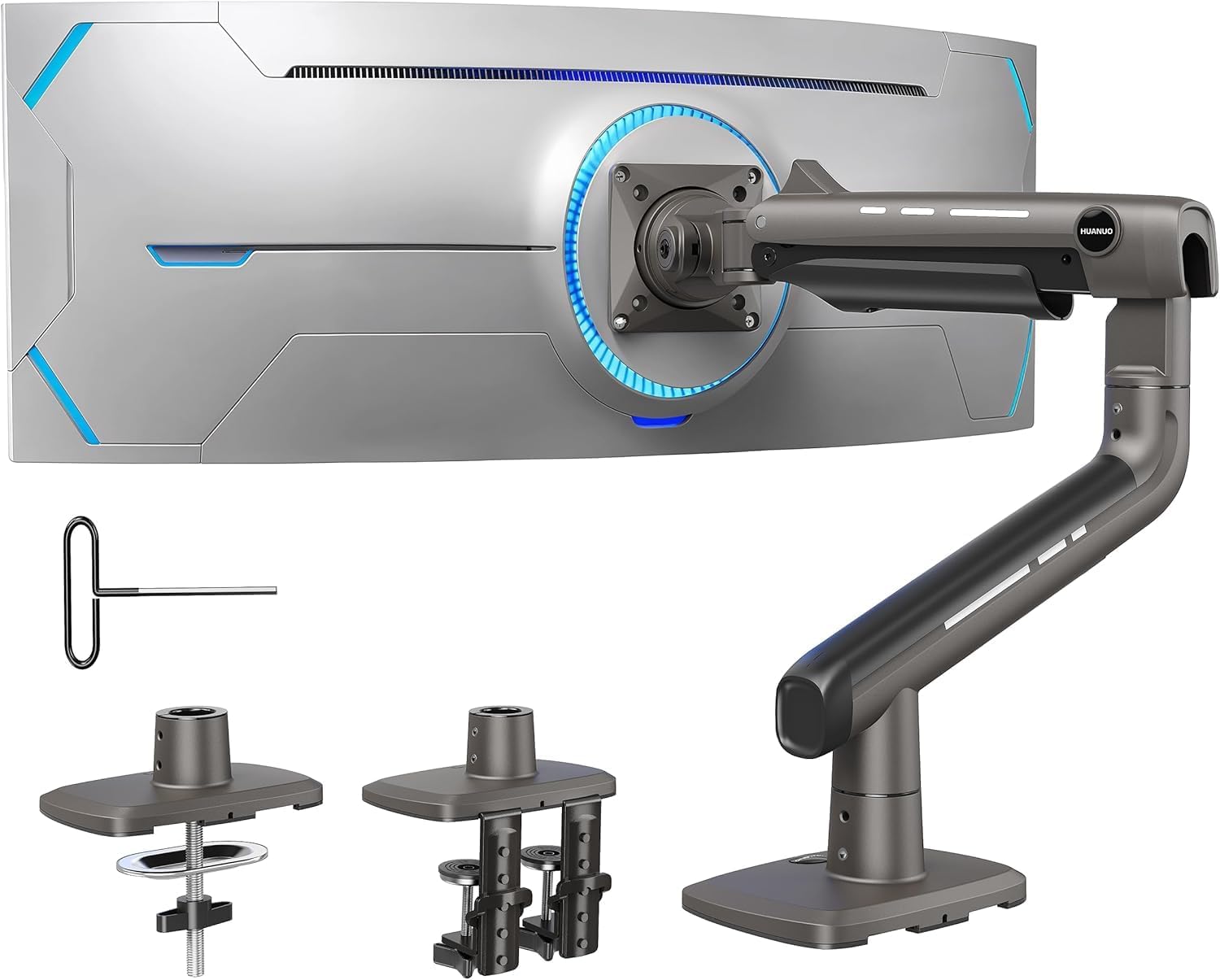
HUANUO TitanLift
An ultrawide support candidate to investigate after measuring the display. Curved-screen and pivot conditions still need exact evidence.
Evidence & open checks
Catalog describes support for screens up to 49 in and 44 lb, with a maximum VESA pattern of 100 × 100 mm.
Catalog evidence only. Confirm minimum weight, curved-display limits, exact manual and desktop fit.
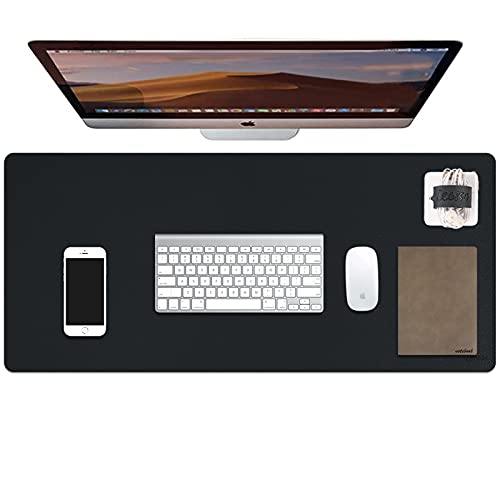
iCasso black PU desk mat
Use its recorded 31.5 × 15.7 in footprint when comparing a keyboard-and-mouse surface. No glide or care performance is assumed.
Evidence & open checks
Catalog identifies a 31.5 × 15.7 in mat with a PU surface.
Confirm dimensions and care instructions for the exact variant. Texture, mouse tracking and long-term wear have not been tested.
Use lighting in layers
Keep task lighting, decorative background lighting and camera lighting separate in your plan. Check reflections on a dark screen before attaching an LED strip permanently. Route controllers and power connections so they remain reachable.
Try the layout for both play and ordinary work. If the gaming arrangement leaves no place for a notebook, use a removable accessory or storage position rather than buying a second permanent layer of equipment.
Choose the right guide
This guide focuses on: arrange a general gaming workspace. For a different task, see use the corner of an l-shaped gaming desk.
Your next decision
- Gaming & daily work: Choose a desk mat by how you work
Sources & scope
Product catalog snapshot: October 19, 2026. Selected primary references checked October 20, 2026. References are not current Amazon offer, price or availability verification.
- The Desk Nook: small-desk layouts ↗
- Chair & Cable: small-space guide ↗
- CompactDeskGear: small-desk ideas ↗
This is a research draft, not a hands-on review. How the research is used