Plan two monitors by the work shown on each screen. Two equal rectangles in a photograph do not tell you where your keyboard, chair or main application should sit.
Your decision, at a glance.
| Decision | What to look at | Next check |
|---|---|---|
| Main + reference | One primary viewing zone | Secondary screen beside it |
| Equal use | Two active work zones | Try the seam position before mounting |
| Landscape + portrait | Rotated housing clearance | Allow plug and arm movement |
Choose a primary-task arrangement
If one screen carries most of your work, arrange the main working position around that display and place the secondary screen beside it. If you use them equally, try a shared central position and check whether you can read both without repeatedly shifting your whole body.
OSHA distinguishes primary-monitor and equal-use arrangements in its workstation checklist. Use that as a review prompt rather than a fixed prescription for every person.
Measure the housings, not the diagonals
Record the actual width and depth of both screens, including their stands. For a portrait display, trace the rotated housing and make sure cable plugs still have space. Two screens advertised with the same diagonal can have different widths, bezels and mounting offsets.
Make paper outlines before buying a dual arm. An angled layout can reduce projected width while using more depth. Mark the front and rear corners, not just the center points.
Product references for this decision
Some product links are affiliate links. Exact offers, prices and fit still need checking. Catalog images may show props that are not included.
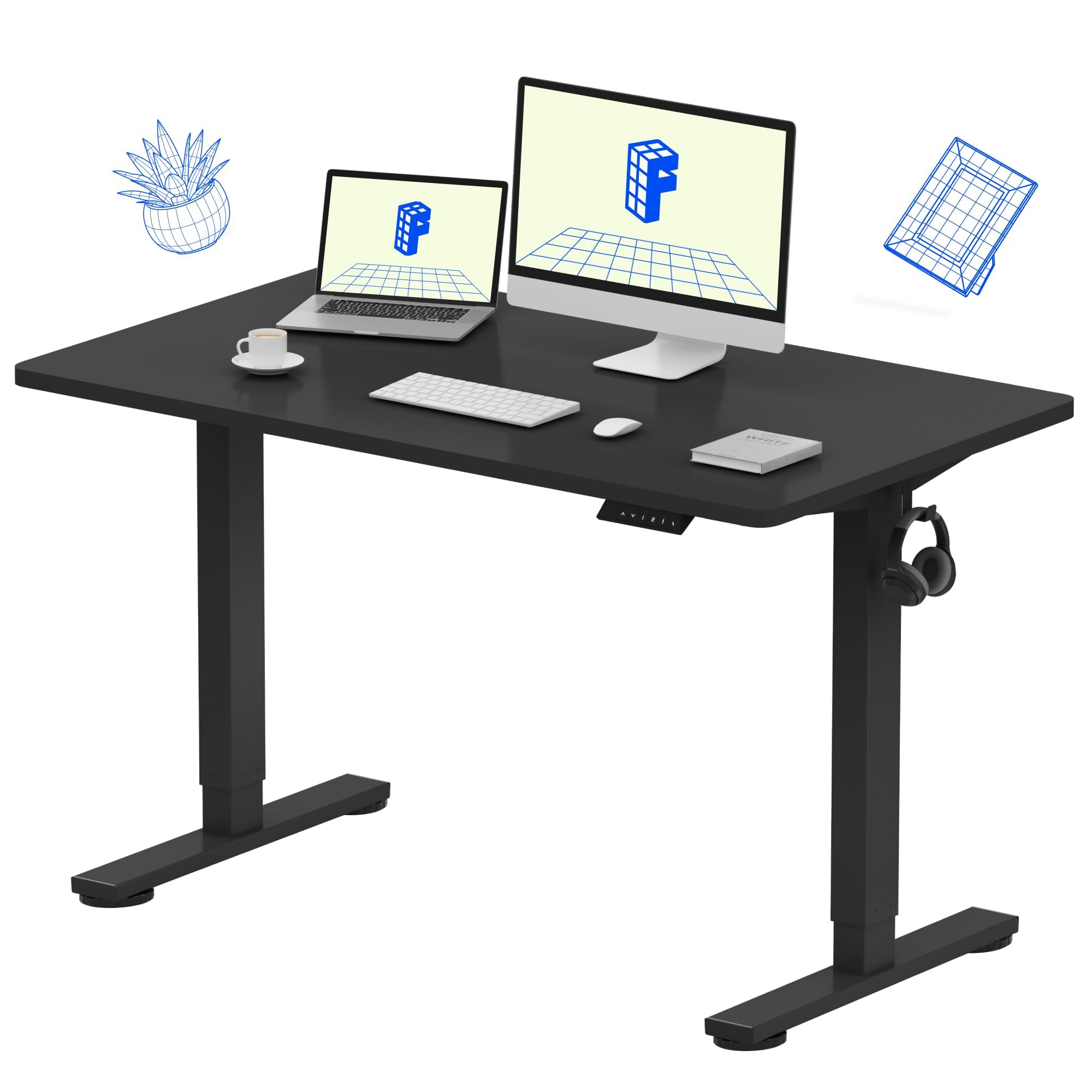
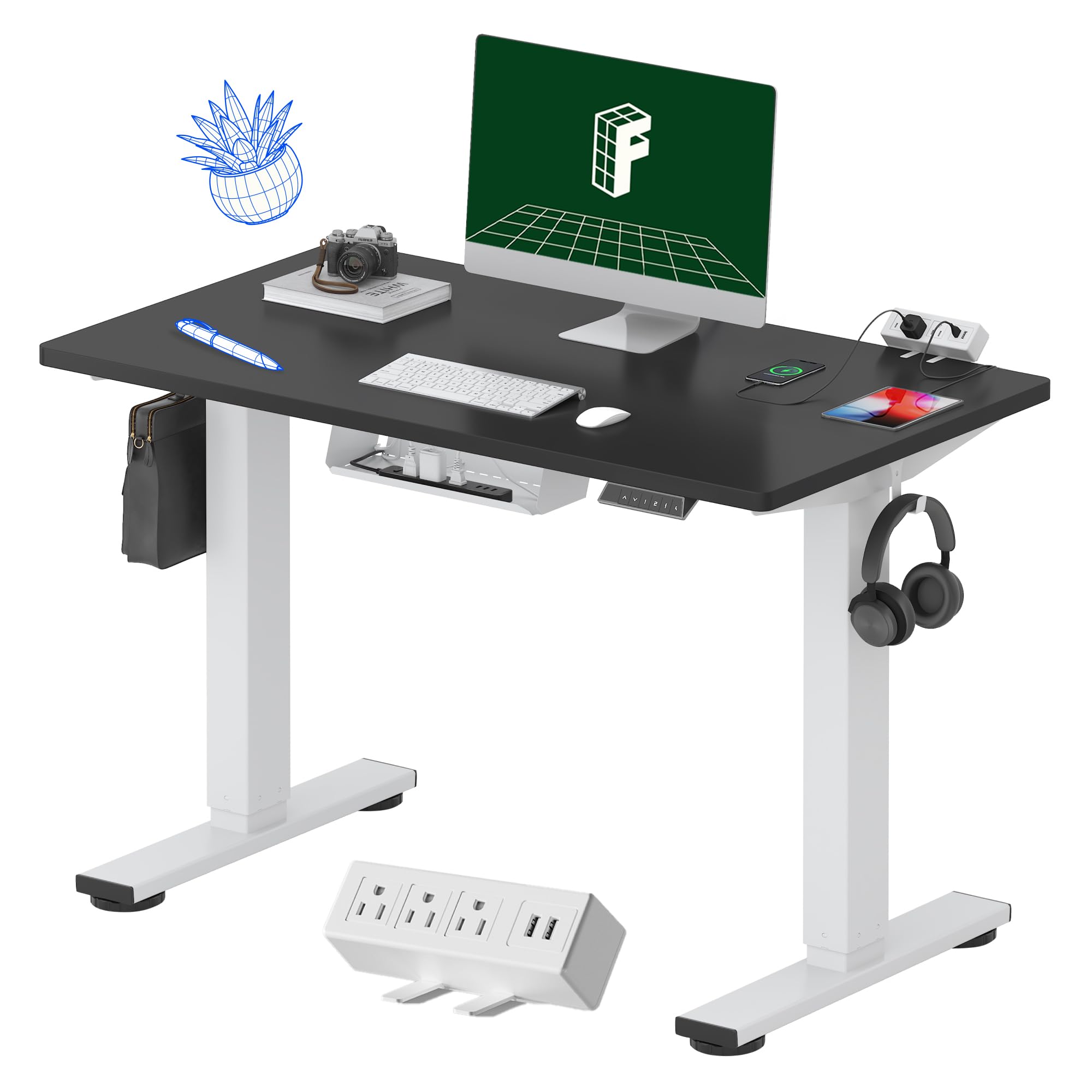
FlexiSpot EN1 48 × 24 in desk
A 48 × 24 in one-piece-top reference. Current availability and a particular monitor-arm pairing remain unverified.
Evidence & open checks
The captured listing identifies a one-piece 48 × 24 in top.
Catalog and listing availability signals disagree. Confirm the current offer, exact model and under-desk clearance before considering a purchase.
Check support and signal paths separately
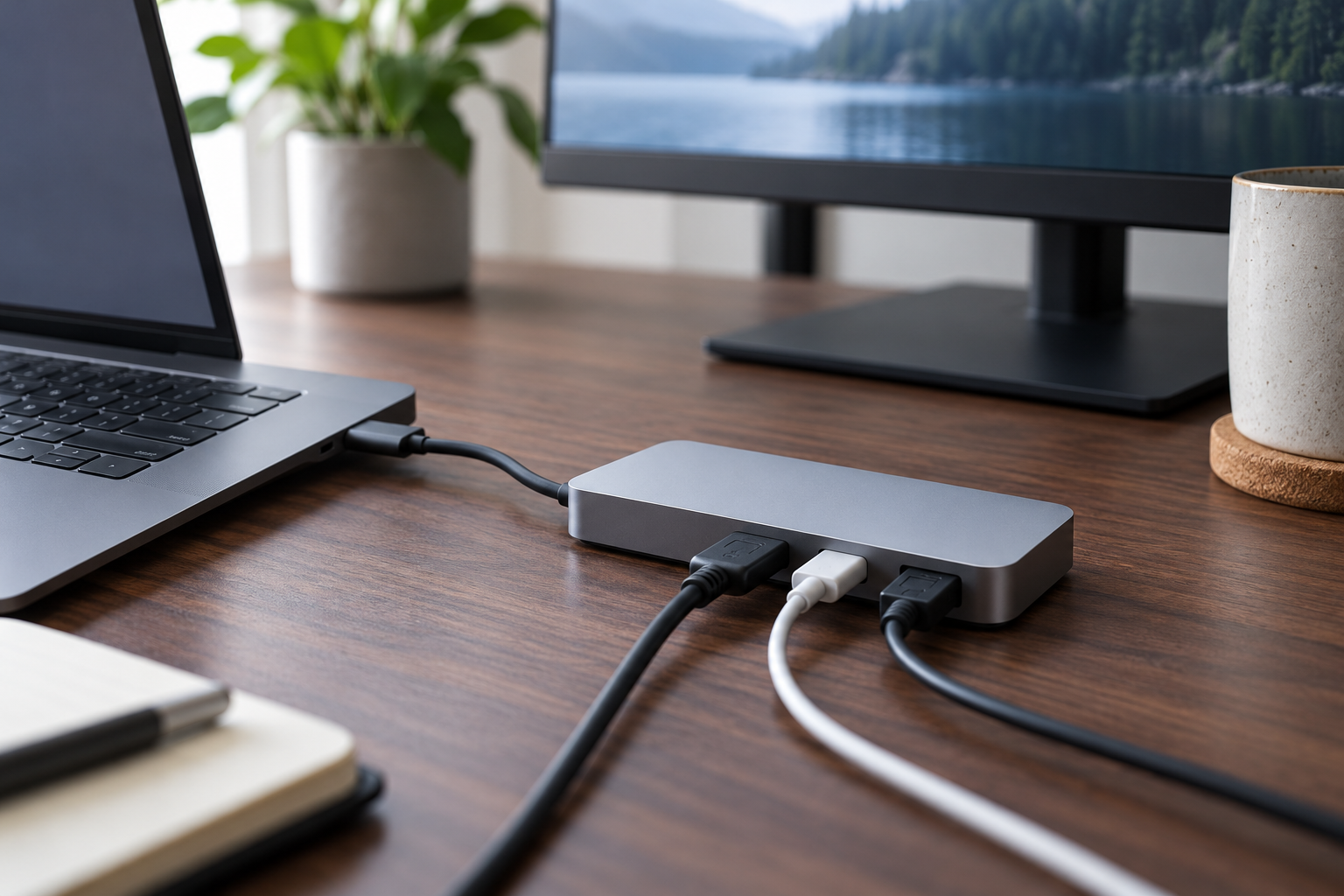
A desk that accommodates two screens does not establish that a laptop can drive them independently. List both display resolutions, refresh-rate targets and the computer output path. Confirm those against the exact host and dock documentation.
The EN1 desk below is included as a nominal-size reference only. Neither its dimensions nor its one-piece top verifies a particular dual-arm installation.
Your next decision
- Code & multiple screens: USB-C Docks: Check Your Laptop and Displays First
Sources & scope
Product catalog snapshot: October 19, 2026. Selected primary references checked October 20, 2026. References are not current Amazon offer, price or availability verification.
This is a research draft, not a hands-on review. How the research is used