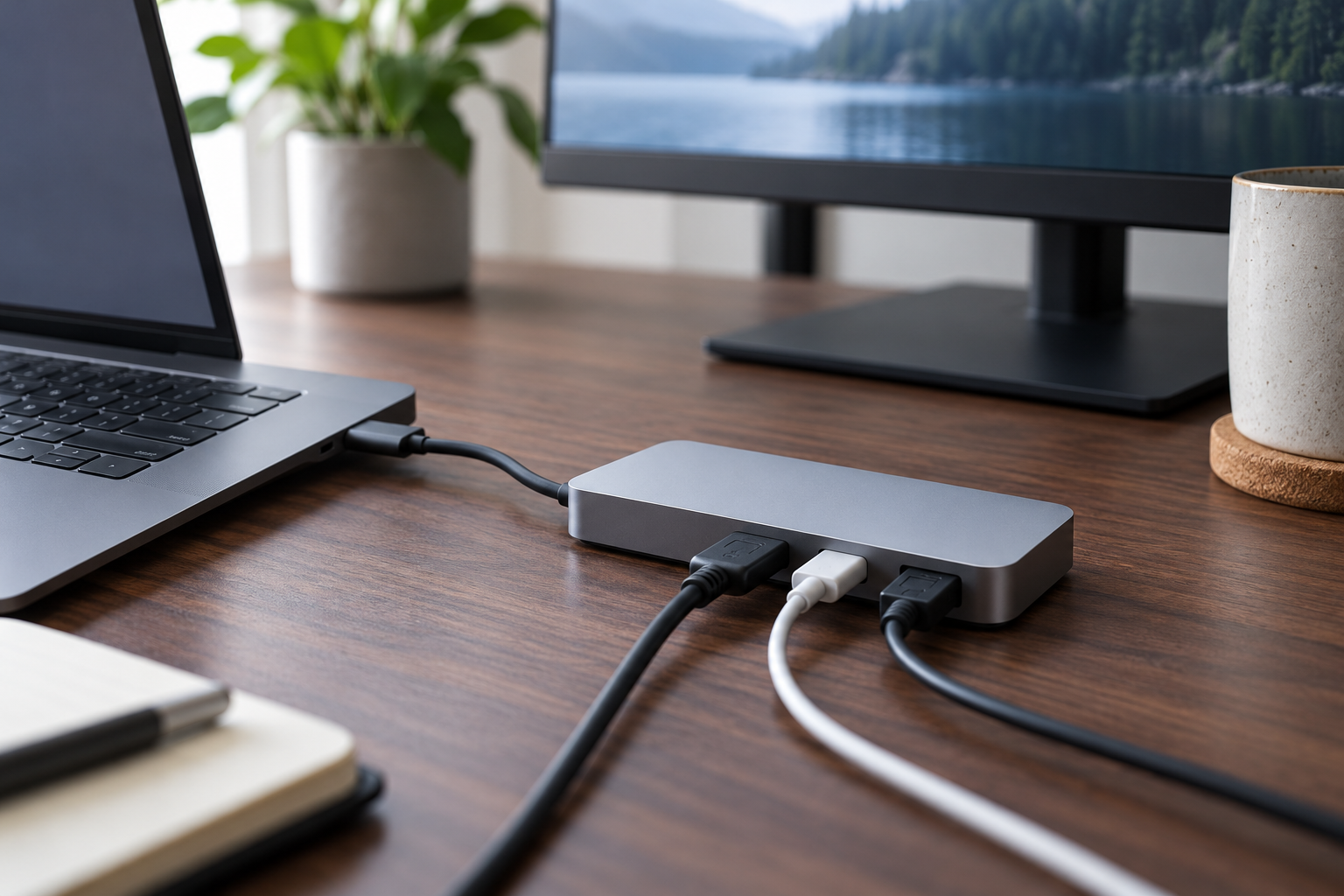
An open laptop stand changes screen position; a vertical holder stores the laptop differently. Choose which job you need before comparing finishes or folding mechanisms.
Your decision, at a glance.
| Decision | What to look at | Next check |
|---|---|---|
| Open-screen stand | Laptop remains visible | Lid clearance and separate inputs |
| Vertical holder | Laptop stored on edge | Thickness, ventilation and closed-mode support |
| Portable support | Repeated setup and packing | Folded size and permitted load |
Decide which screen and keyboard you will use
If the laptop screen remains part of the workspace, trace the open lid and reserve its view beside the external monitor. If a raised laptop will use a separate keyboard and mouse, include those footprints before selecting the stand.
A vertical holder does not itself enable closed-screen operation. Check the computer’s model-specific requirements for external displays, input devices, power and ventilation.
Measure the contact points
For an open stand, compare the supported base area with the computer and check the placement of vents and ports. For a vertical holder, check the permitted device thickness, contact surfaces and intended orientation.
Do not use a stand’s product name as a load rating. Adjustable width, portability and material are separate from documented support for the exact laptop.
Plan the daily docking routine
Test how the computer enters and leaves its position, with cables attached only as the maker permits. Leave a place for the host cable so it does not disappear behind the desk when disconnected.
If the stand travels, include its folded form and the time required to reset the working arrangement. A permanent desktop solution and a travel support can reasonably prioritize different things.
Sources & scope
Product catalog snapshot: October 19, 2026. Selected primary references checked October 20, 2026. References are not current Amazon offer, price or availability verification.
This is a research draft, not a hands-on review. How the research is used