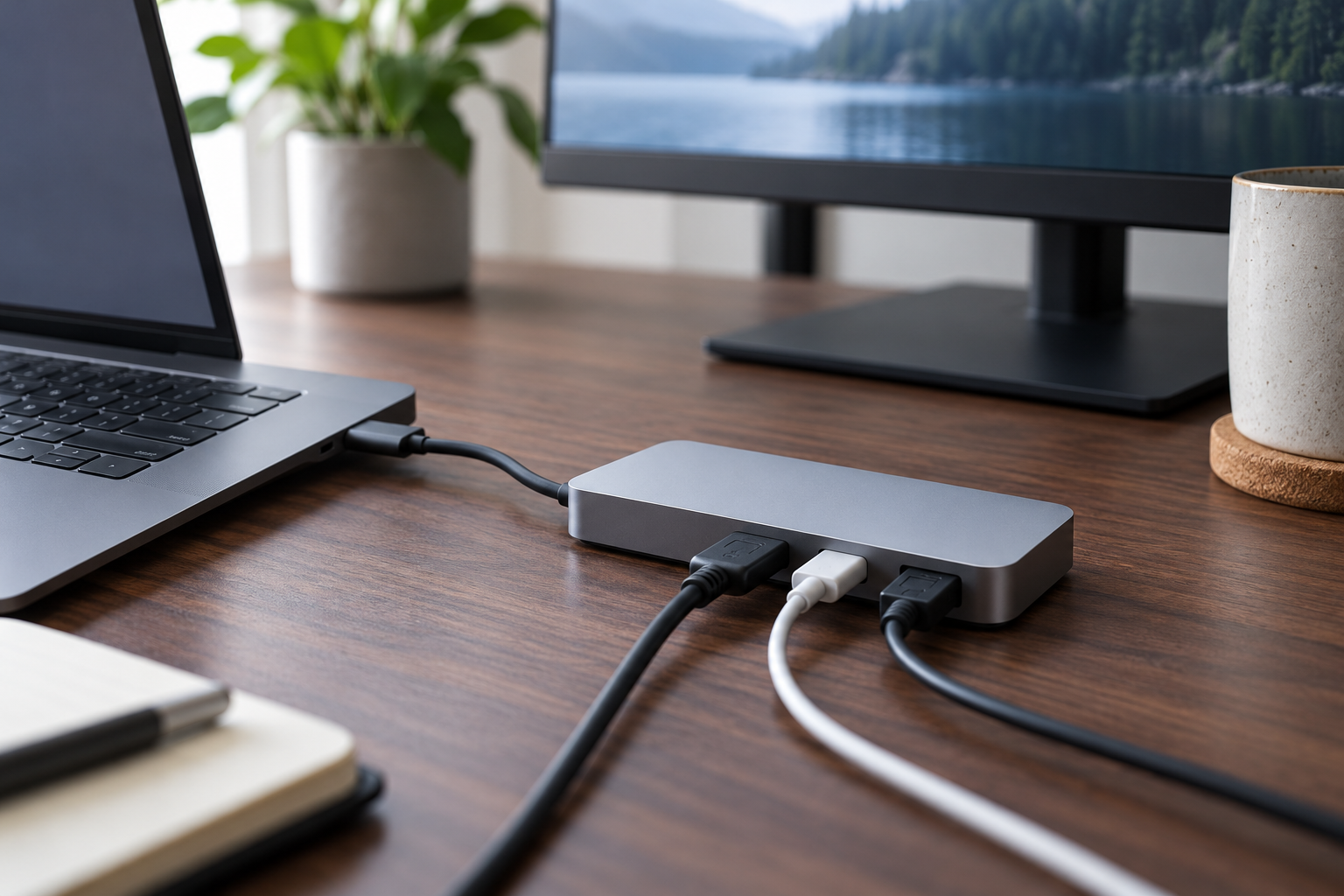
Keep the HP USB-C Dock G5 distinct from other HP docks and from the laptop connected to it. The model name is a starting point for a compatibility record, not a universal result.
Your decision, at a glance.
| Decision | What to look at | Next check |
|---|---|---|
| Dock | USB-C Dock G5 or another exact model | Keep documentation separate |
| Host | Laptop, OS and port | Verify the intended connection |
| Deployment | Supply, software and permissions | Check the real work environment |
Pair the dock with the exact host
Record the laptop model, operating system and host-port capabilities. Then read the G5 documentation for the intended display, charging and peripheral arrangement. Do not assume a port or control feature behaves identically on every HP or third-party computer.
Check supplies and management conditions
Identify the supplied adapter and any software, firmware or management requirements relevant to the intended use. A workplace device may have installation restrictions. This draft has not verified a current G5 host compatibility table, so it does not publish a universal charging or multi-display promise.
Build a usable comparison record
The names to distinguish in this topic are HP USB-C Dock G5. These identify comparison targets from the scope of this guide; they are not a claim that every version is currently offered or interchangeable. A meaningful compatibility record names the computer, dock, cable and every display. Keep software and permission requirements with the hardware notes so a managed work device can be evaluated before purchase.
Record the exact identifier, selected variant and the source of each important specification. Resolve missing information before turning a candidate into a purchase recommendation. A brand-level description cannot establish the compatibility of an unspecified configuration.
Keep these three records together.
Computer model, OS and port
Check the complete supported connection
Independent/mirrored mode and settings
Read the simultaneous-output conditions
Required supply and host charging
Keep adapter rating separate from delivered charging
Sources & scope
Product catalog snapshot: October 19, 2026. Selected primary references checked October 20, 2026. References are not current Amazon offer, price or availability verification.
This planning brief does not contain a verified exact-model specification or product ranking. Its checks define the information needed for a documented comparison; missing values are intentionally not supplied.
This is a research draft, not a hands-on review. How the research is used