Plan a standing desk in its moving positions, not only at the height used for a photograph. Cables, wall-mounted shelves and nearby furniture can change the usable range.
Your decision, at a glance.
| Decision | What to look at | Next check |
|---|---|---|
| Moves with top | Monitor, inputs and selected accessories | Route within the moving group |
| Stays fixed | Floor PC or wall connections | Check the crossing cable path |
| Nearby furniture | Shelves, drawers and chair | Inspect the full movement envelope |
Separate moving and fixed equipment
Mark which devices travel with the worktop and which remain on the floor or wall. Each connection crossing between those groups needs an allowed route through the intended movement.
Include the power lead, network connection, display cable and any microphone or camera mounted elsewhere. A hidden cable is still part of the moving system.
Check the space above and below
Inspect shelves, window sills, drawers, chair arms and under-desk storage along the movement path. The top surface may clear an obstacle while an accessory underneath does not.
Follow the exact desk instructions for installation and checking movement. Do not treat a control feature or an advertised mechanism as permission to leave obstructions in the path.
Product references for this decision
Some product links are affiliate links. Exact offers, prices and fit still need checking. Catalog images may show props that are not included.
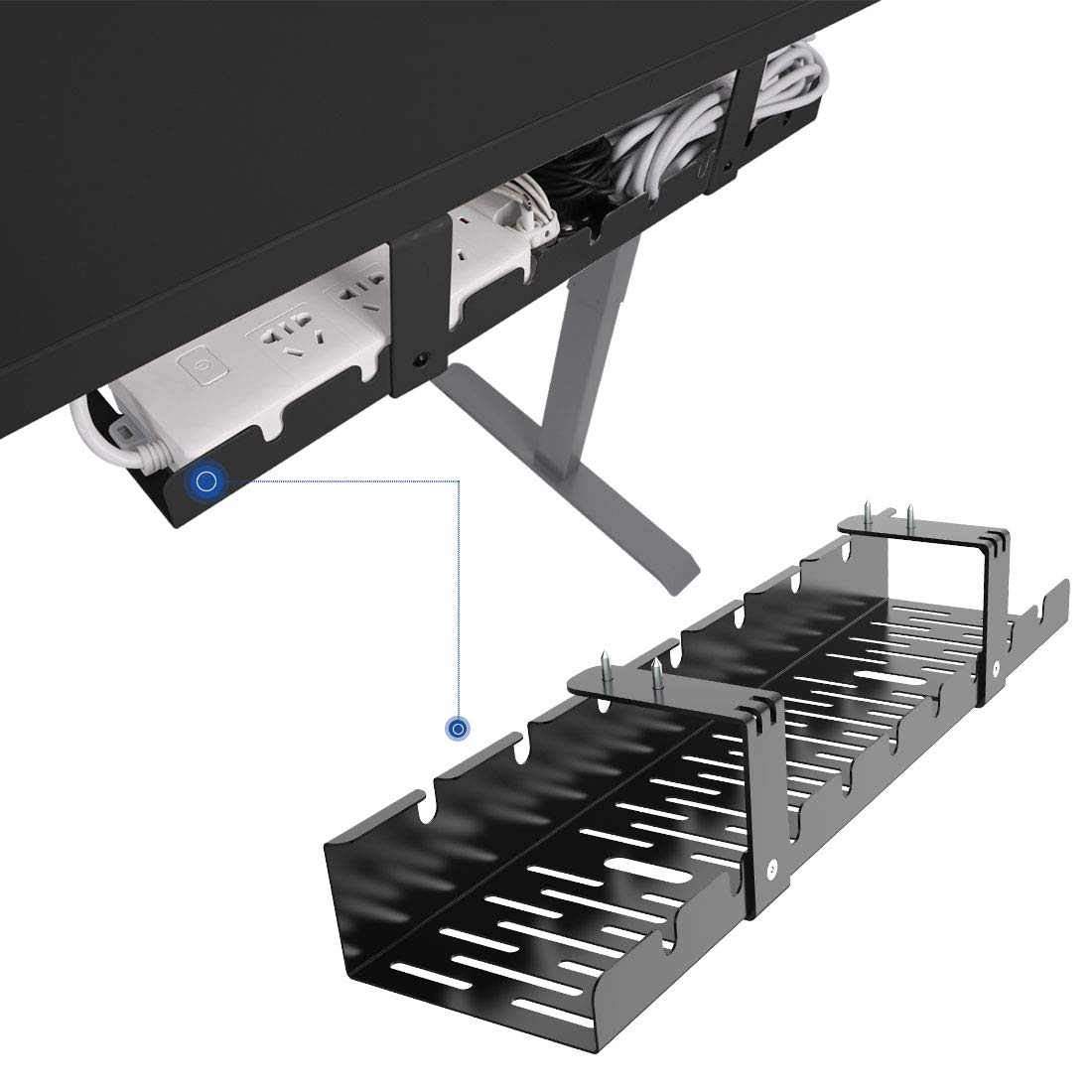
FlexiSpot metal cable tray
A screw-mounted tray reference for fixed under-desk cable runs. It is not a no-drill or universal-desktop solution.
Evidence & open checks
The exact-listing snapshot describes a black metal tray installed with six screws.
This is not a no-drill option. Confirm internal dimensions, supported load, desktop construction and safe screw depth.
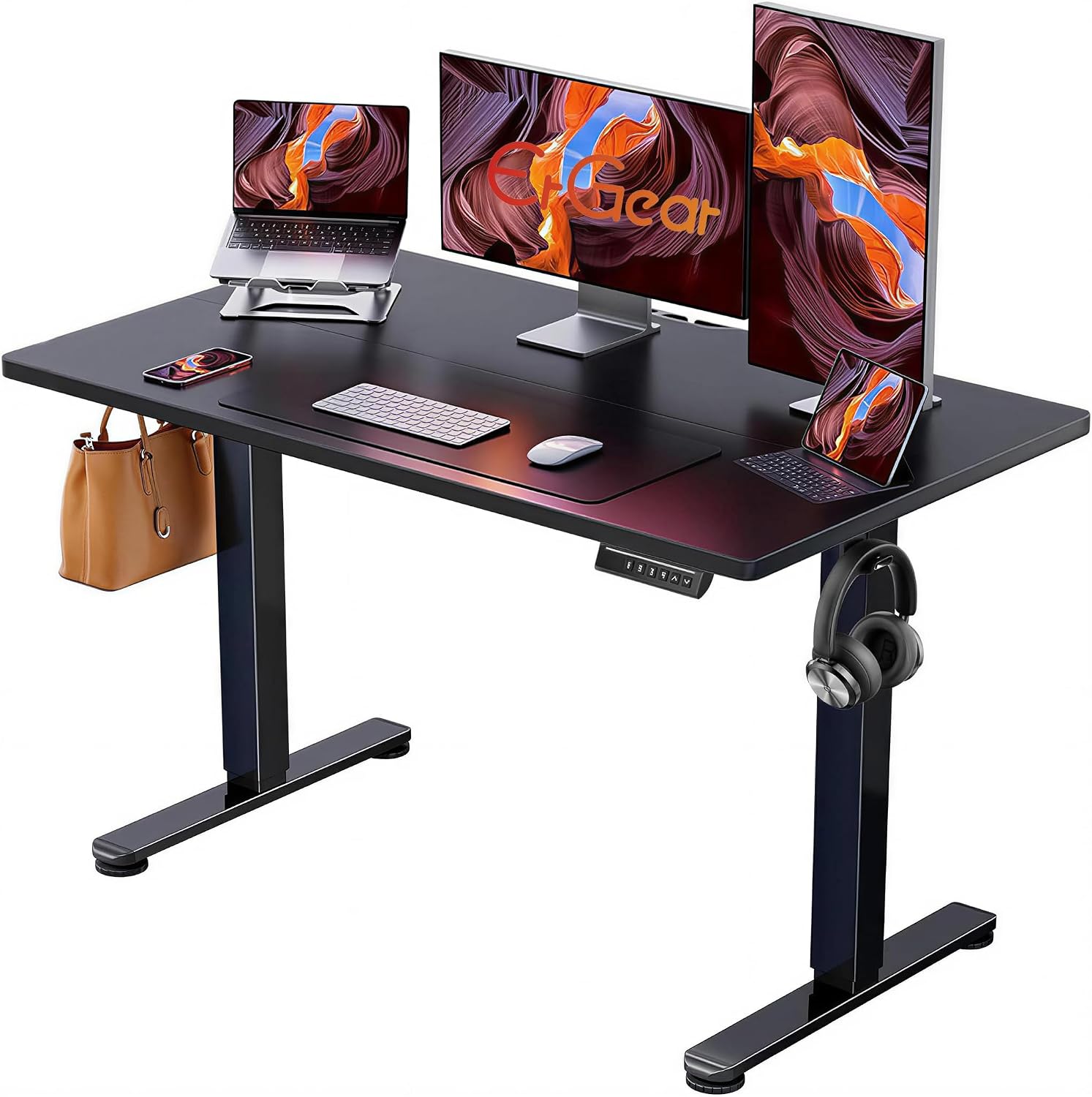
ErGear 48 × 24 in standing desk
A nominal 48 × 24 in desktop reference for a compact working area. Check top construction, range and accessory clearance.
Evidence & open checks
Exact-listing snapshot identifies a nominal 48 × 24 in desktop.
Verify usable depth, top construction, adjustment range and clamp clearances. Nominal size does not establish monitor-arm compatibility.
Route for access as well as appearance
A tray can carry a fixed group of connections with the top, but its fixing method and contents need to suit the desk. The recorded FlexiSpot tray uses screws and is not automatically suitable for every desktop.
Keep switches and regularly unplugged connections reachable. Recheck the route after changing the monitor position, adding a device or relocating the desk.
Sources & scope
Product catalog snapshot: October 19, 2026. Selected primary references checked October 20, 2026. References are not current Amazon offer, price or availability verification.
This is a research draft, not a hands-on review. How the research is used