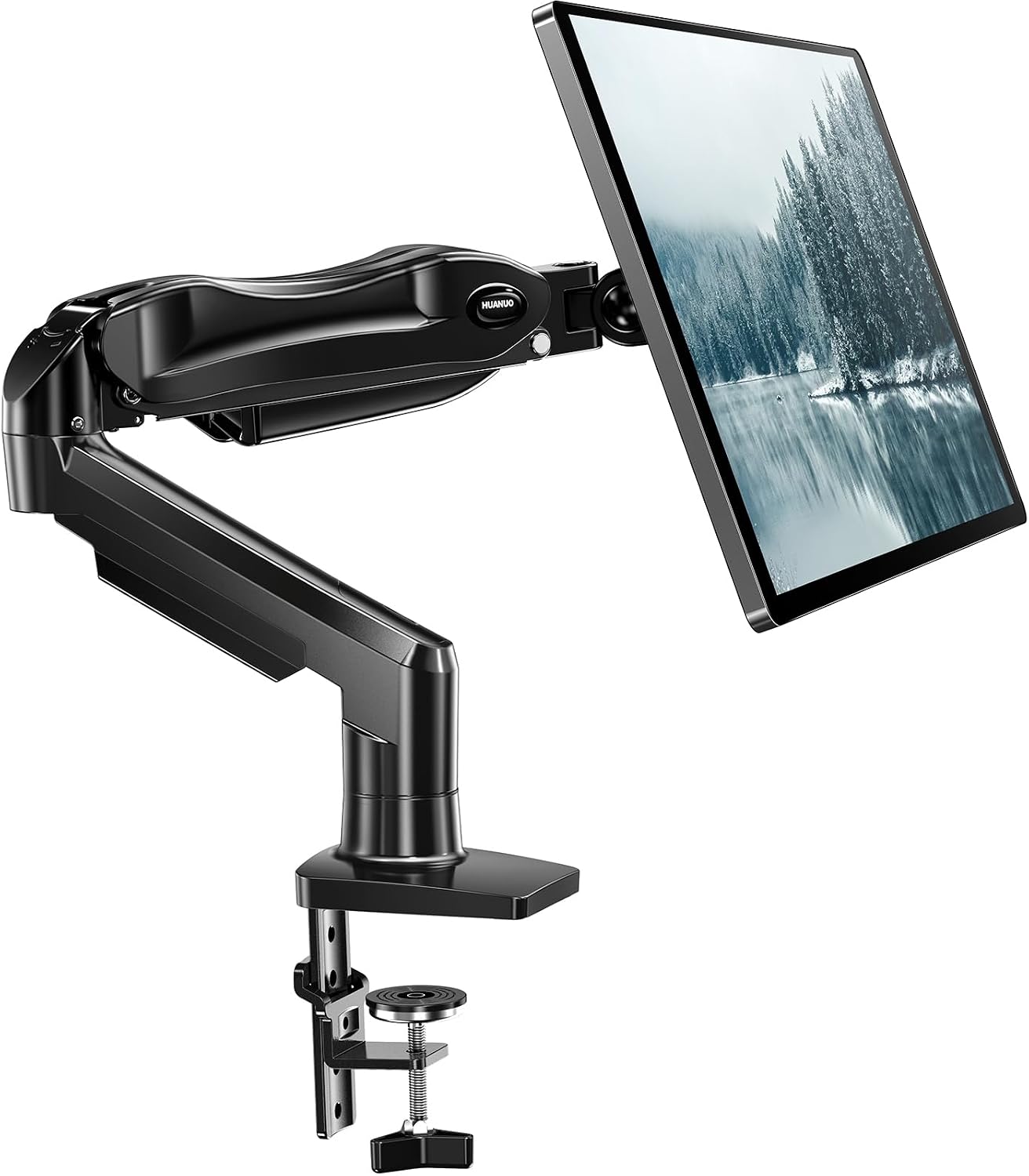
Keep the ROG Ergo Monitor Arm AAS01 distinct from the ASUS display it may support. A shared logo does not remove the need to match the two exact models.
Your decision, at a glance.
| Decision | What to look at | Next check |
|---|---|---|
| Arm | AAS01 or another exact model | Use matching documentation |
| Display | Separate ASUS or other screen model | Check weight and interface |
| Adjustment | Current model instructions | Do not transfer generic settings |
Separate arm identity from monitor identity
The research topic includes AAS01 and broader ROG arm searches. Use AAS01 as a model identifier when finding its current instructions, and record the display independently. Screen weight, mounting interface and permitted desk fixing must agree across those documents.
Use the current instructions for adjustment
Do not copy a tension direction or orientation control from a visually similar arm or an old video summary. Identify the control in the matching manual before adjustment. This brief does not reproduce an unverified load range or setup procedure for AAS01; its purpose is to prevent the model name from being treated as universal compatibility.
Build a usable comparison record
The names to distinguish in this topic are ROG Ergo Monitor Arm AAS01. These identify comparison targets from the scope of this guide; they are not a claim that every version is currently offered or interchangeable. An arm comparison is complete only when the display, support and desk form a documented combination. Keep unresolved fields open rather than replacing them with specifications from a similar-looking listing.
Record the exact identifier, selected variant and the source of each important specification. Resolve missing information before turning a candidate into a purchase recommendation. A brand-level description cannot establish the compatibility of an unspecified configuration.
Keep these three records together.
Exact model, mounting weight and VESA
Read the display mounting instructions
Exact SKU and supported configuration
Check minimum and maximum load, not just screen size
Construction and complete fixing area
Match permitted material and underside clearance
Sources & scope
Product catalog snapshot: October 19, 2026. Selected primary references checked October 20, 2026. References are not current Amazon offer, price or availability verification.
This planning brief does not contain a verified exact-model specification or product ranking. Its checks define the information needed for a documented comparison; missing values are intentionally not supplied.
This is a research draft, not a hands-on review. How the research is used