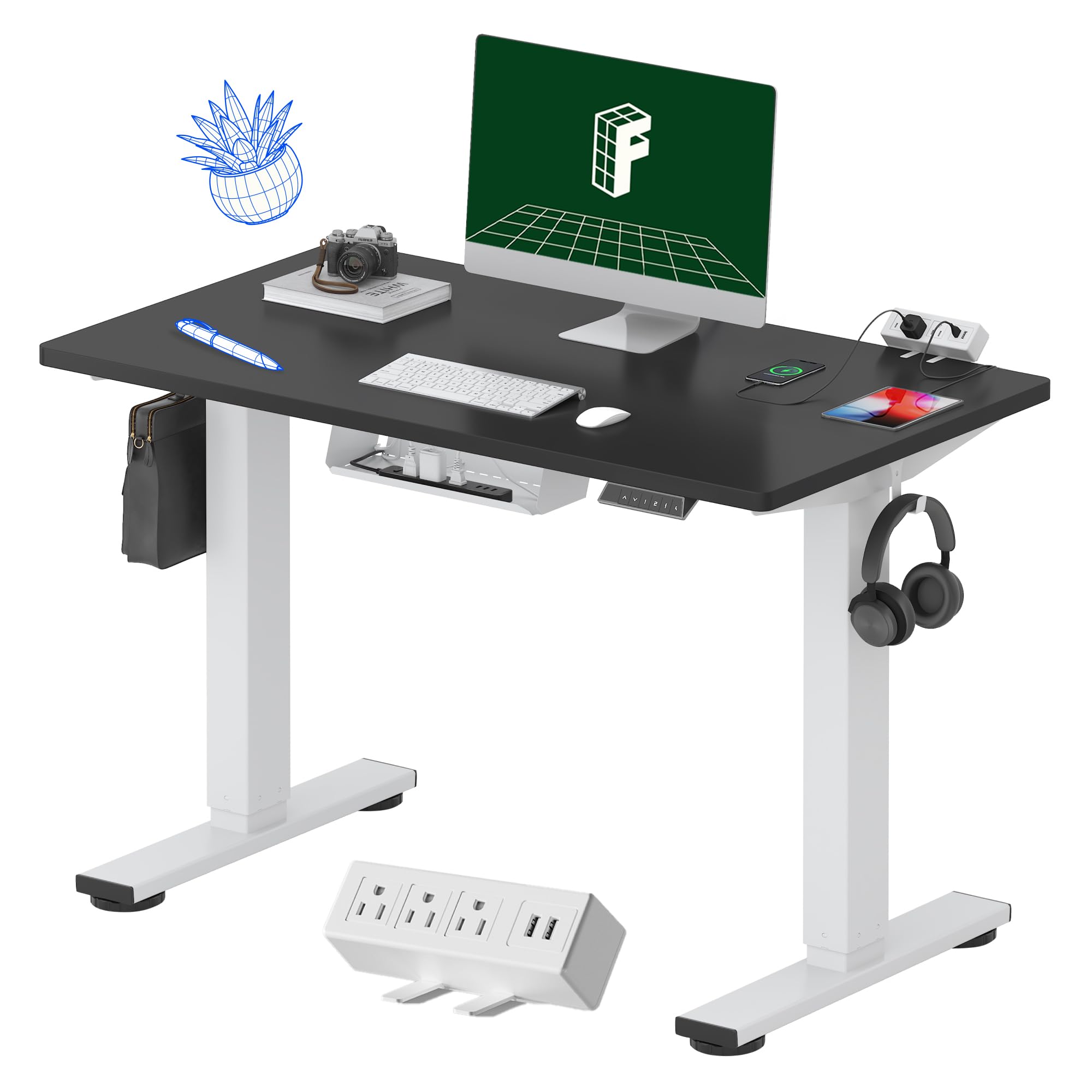
Start with what you need to do, then decide what deserves space. A good-looking desk is easier to maintain when every object has a job and a place to return to.
Your decision, at a glance.
| Decision | What to look at | Next check |
|---|---|---|
| Task | Equipment used together | Start with a real session |
| Space | Room, top and mounting area | Measure all three |
| Upgrade | A repeated inconvenience | Try the existing equipment first |
Start with one real working session
Before choosing a style, describe your most common session: a laptop and a call, a desktop and a notebook, or a game with a wide mouse movement. Put only the equipment for that session on the desk. Add the things you reach for repeatedly; give occasional tools a place outside the working area.
This makes the first decision concrete. If paper is part of the work, protect a writing area. If the laptop travels every day, leave its cable and docking route easy to reach. If you switch between work and gaming, plan a place for the controller instead of adding a permanent second layout.
Measure three different spaces
The worktop outline is only one of the spaces that matters. Measure the room around the desk, the usable desktop, and the mounting area below and behind it.
- Room: include the chair’s movement, doors, drawers and access to sockets.
- Surface: use the actual width and depth; note rounded corners and any fixed shelf.
- Mounting space: inspect the rear edge, underside frame and distance to the wall before choosing clamps.
Use paper rectangles for the objects already owned. A monitor base, keyboard and mouse working area are more useful planning shapes than screen diagonal alone.
Build a main zone and a landing zone
Keep the equipment for your main task together. Position the keyboard and mouse where you can use them without moving a lamp or a pile of notes first. A small landing area for a phone, notebook or headphones can keep temporary objects from spreading across the whole worktop.
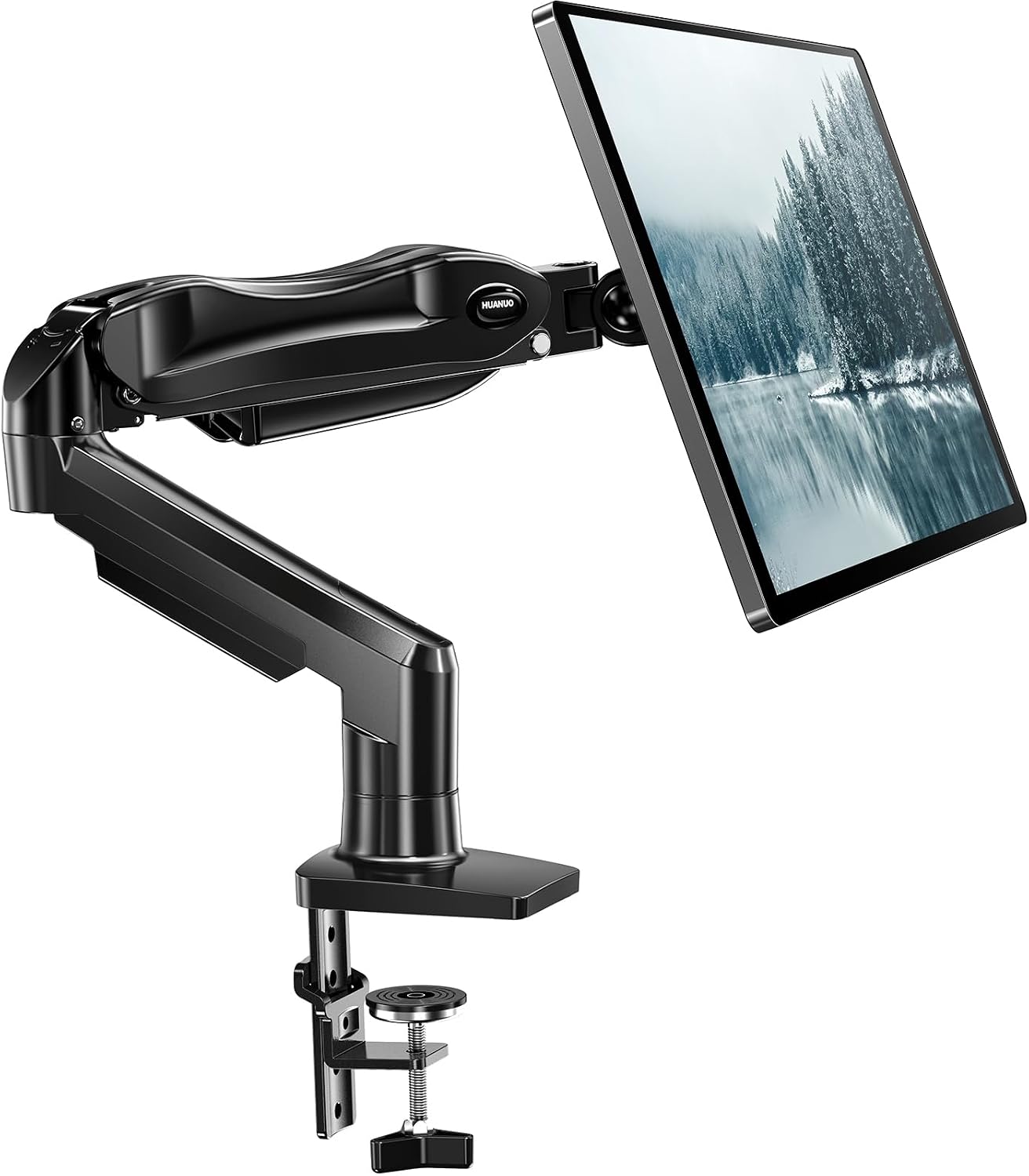
Storage should solve an identifiable problem. Before adding a shelf, name the objects it will hold and measure their height. Before adding an arm, check whether the monitor and desk support that mounting method. Neither accessory automatically makes a small desk feel spacious.
Choose a style after the layout
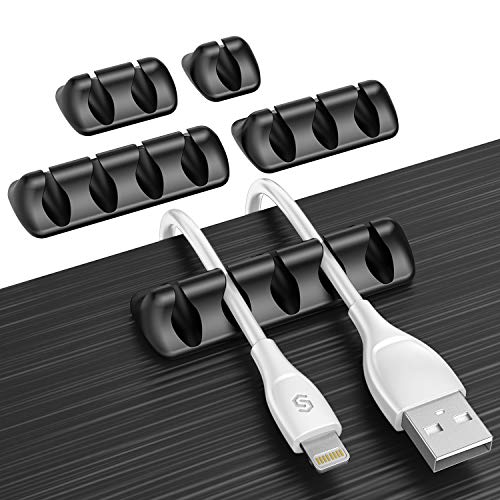
For a minimalist setup, remove objects that have no current job, group visible cables, and choose a small number of materials or colors. A white, black or wood-toned palette can live inside the same practical plan; it does not need a different set of devices.
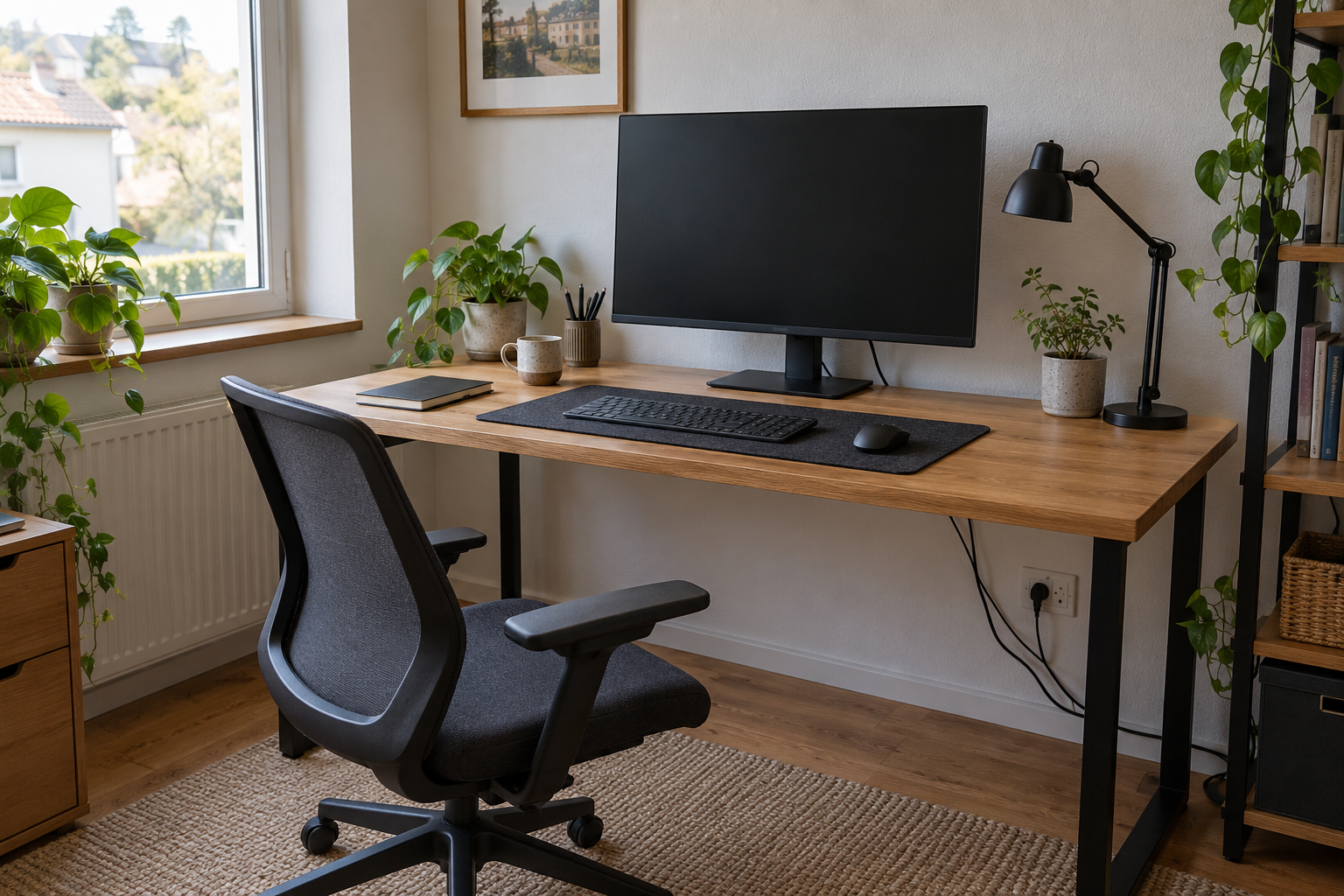
A cozy desk can include a lamp, a plant or a printed mat, but give each item a measured place. Keep decorative objects out of ventilation openings and away from equipment movement. Use the room you have rather than trying to reproduce a photograph object for object.
Try the arrangement before ordering
Run your normal session with the paper layout and existing equipment. Notice which cable you unplug, where you put your drink, and what you move to write. Change the plan around those observations. An accessory earns its place when it resolves a repeated inconvenience.
The layout planner below tests only rectangular footprints. It does not check viewing position, arm travel, mount strength or cable routing. Treat its result as a sketch to inspect, not a compatibility certificate.
Your first useful upgrade
If the issue is a crowded surface, measure the monitor support and the unused edge space. If it is cables, keep accessible connections separate from permanent runs. If the worktop itself is too small, compare actual usable depth and width before replacing it.
Buy one change at a time when possible. That gives you a chance to check whether the change helped before the next accessory consumes the space it was meant to free.
Sources & scope
Product catalog snapshot: October 19, 2026. Selected primary references checked October 20, 2026. References are not current Amazon offer, price or availability verification.
- The Desk Nook: small-desk layouts ↗
- Chair & Cable: small-space guide ↗
- CompactDeskGear: small-desk ideas ↗
This is a research draft, not a hands-on review. How the research is used