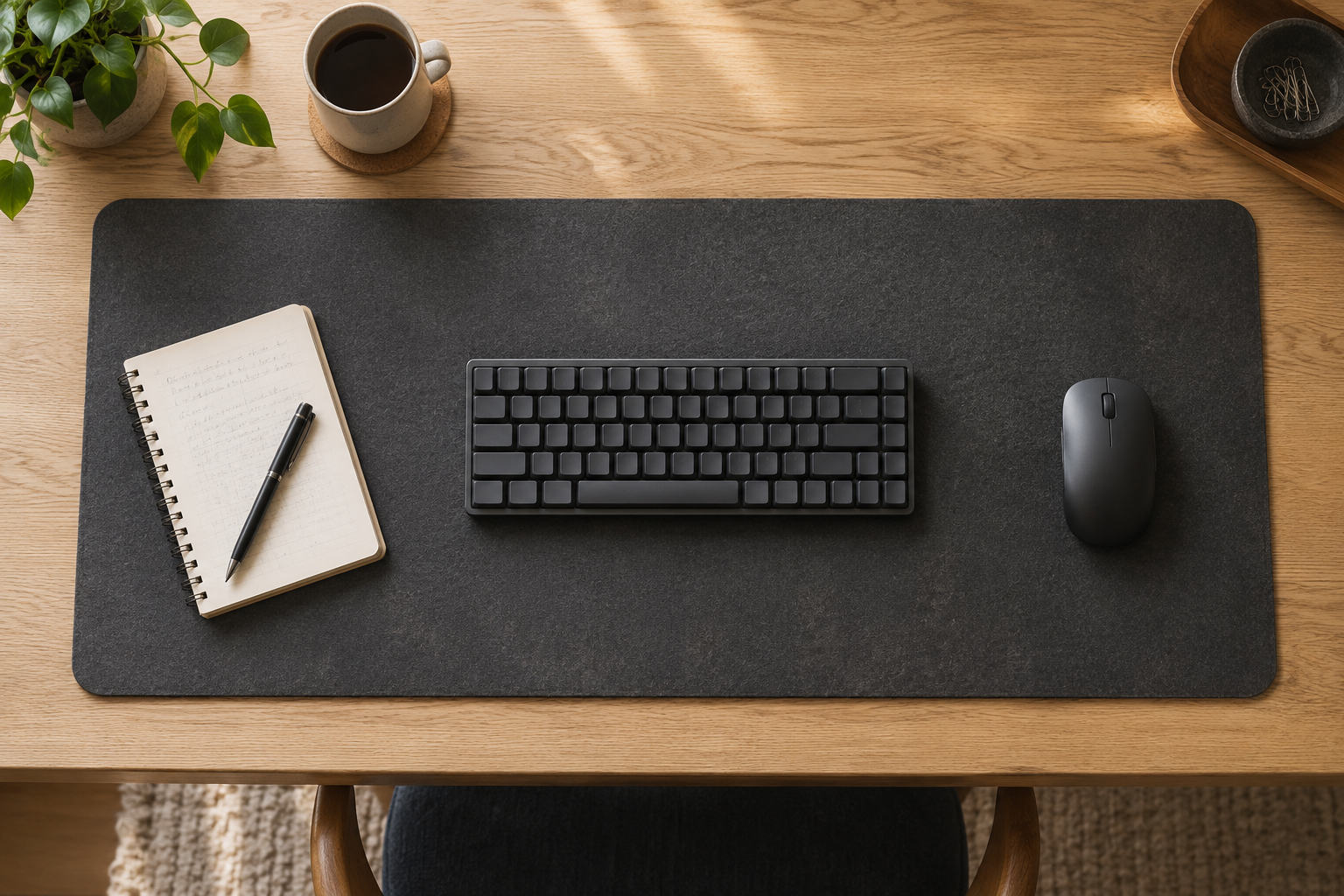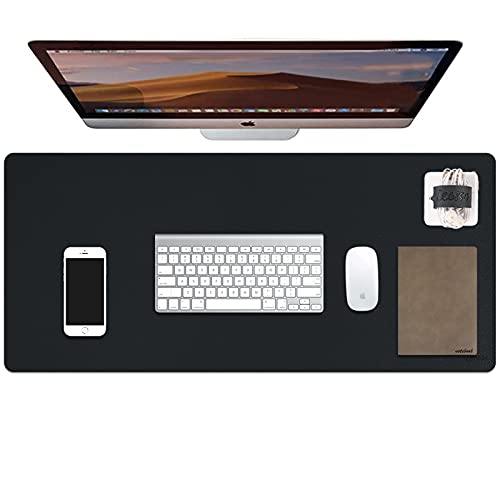
Choose a desk mat by how you work
Match the working area, material and care requirements before choosing a color or design.
Read the guideSize, material, artwork and care: keep each decision visible.
Match the working area, material and care requirements before choosing a color or design.
Read the guideClean a desk mat according to its exact material and care label.
Read the guideChoose a chair mat for the floor and the chair’s full rolling area.
Read the guideA standing-desk mat needs to fit the standing position and have a practical storage place when the chair returns.
Read the guideA calendar or writing pad works only when its useful area stays visible and reachable.
Read the guideChoose a printed desk mat in two passes: find a surface and size that work, then select artwork from an identifiable source.
Read the guideA DIY desk mat begins with the intended surface and the process used to make it.
Read the guideA heated desk mat is a powered appliance, not simply a warmer version of an ordinary desk pad.
Read the guideA wireless-charging desk mat combines a working surface with a defined charging position.
Read the guideIdentify what a grounding or ESD mat is intended to do before considering it for a desk.
Read the guideChoose a cutting mat for the material, tool and usable cutting area.
Read the guideCompare JOURNEY ALTI versions by their charging arrangement and working surface, not by the shared ALTI name.
Explore the briefFor an Aothia desk mat, verify the selected material and size before comparing its appearance with another pad.
Explore the briefFor an Artisan surface, first distinguish a mouse pad from a full keyboard-and-mouse desk mat.
Explore the briefCompare Corsair surfaces by the exact model, size and whether the item has powered features.
Explore the briefIKEA desk pads should be compared by their article numbers and construction.
Explore the briefFor a Drop mat, keep the artwork edition and physical construction together.
Explore the briefAn Epic Desk mat should be identified by its exact artwork and physical version.
Explore the briefCompare Grovemade mat variants by their actual material and working area.
Explore the briefFor a Hystar mat, make the exact design and physical variant the comparison unit.
Explore the briefCompare a Kinetic Labs desk mat by its named design, size and construction.
Explore the briefKeep Logitech Desk Mat Studio Series distinct from other Logitech or gaming surfaces.
Explore the briefFor an LTT desk pad, check the exact size and version against the available desktop.
Explore the briefFor a Montblanc desk pad, verify the exact material and writing function before treating it as a general mouse-and-keyboard mat.
Explore the briefFor a Native Union desk mat, compare the exact surface and dimensions with the way you use the desk.
Explore the briefFor a Nordik mat, distinguish the product’s material statement from its color or finish description.
Explore the briefFor a NovelKeys Laser desk or mouse mat, keep the design edition and physical product together.
Explore the briefFor an Orbitkey mat, evaluate the working surface and any organization features as one physical layout.
Explore the briefFor an Osume mat, keep the design and edition attached to the physical specification.
Explore the briefFor a Razer surface, separate the exact model, size and any powered features before comparing it as a desk mat.
Explore the briefFor a Satechi desk mat, keep the exact Premium or Vegan-Leather product wording with its actual composition and dimensions.
Explore the briefFor a Secretlab MAGPAD, identify the exact desk and mat version together.
Explore the briefFor a SteelSeries surface, distinguish a mouse-only pad from an extended desk mat and identify any powered features.
Explore the briefFor a Yikda mat, confirm the selected design, size and construction before deciding that it fits a full desk setup.
Explore the briefNo content matches. Try a broader search or select All.