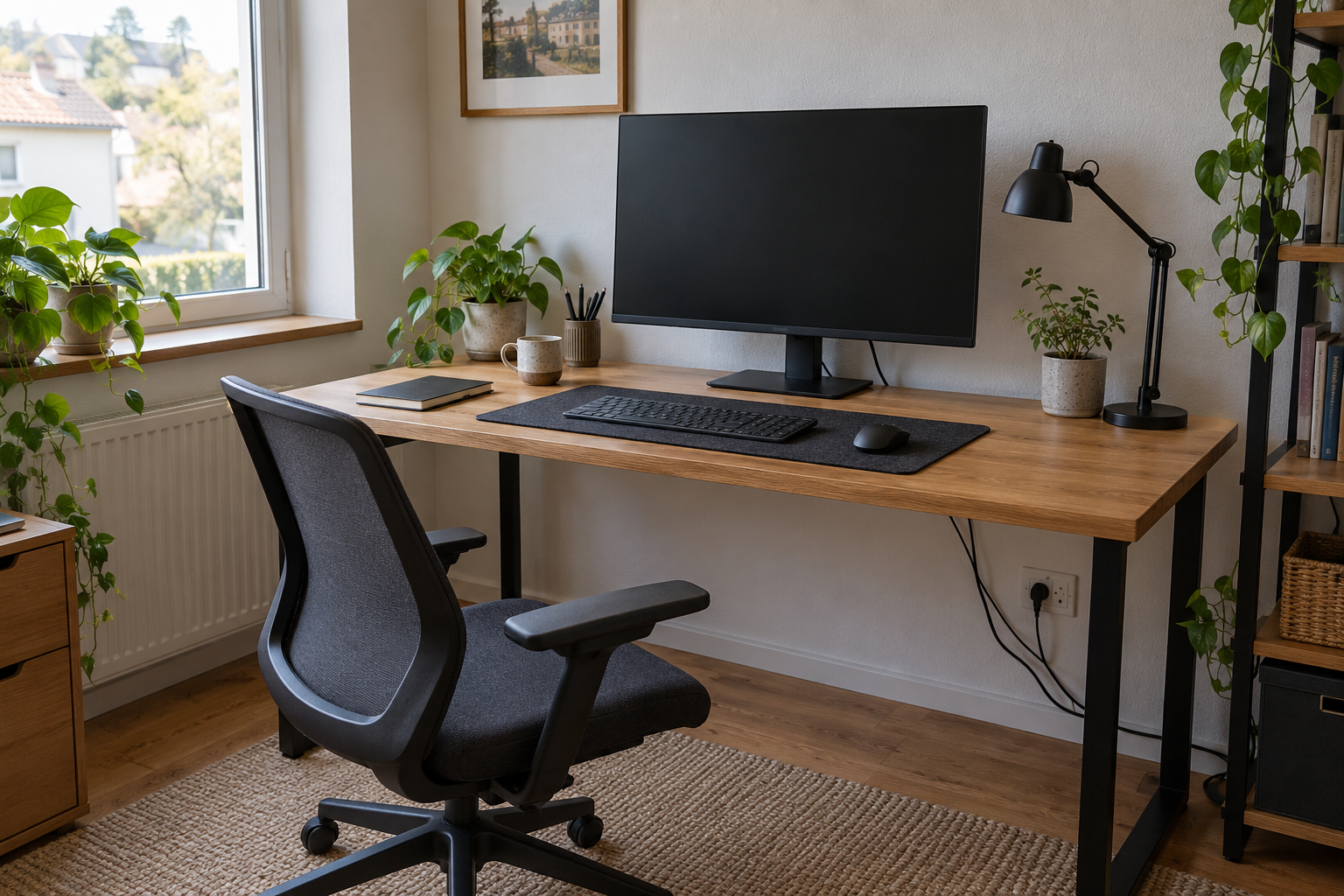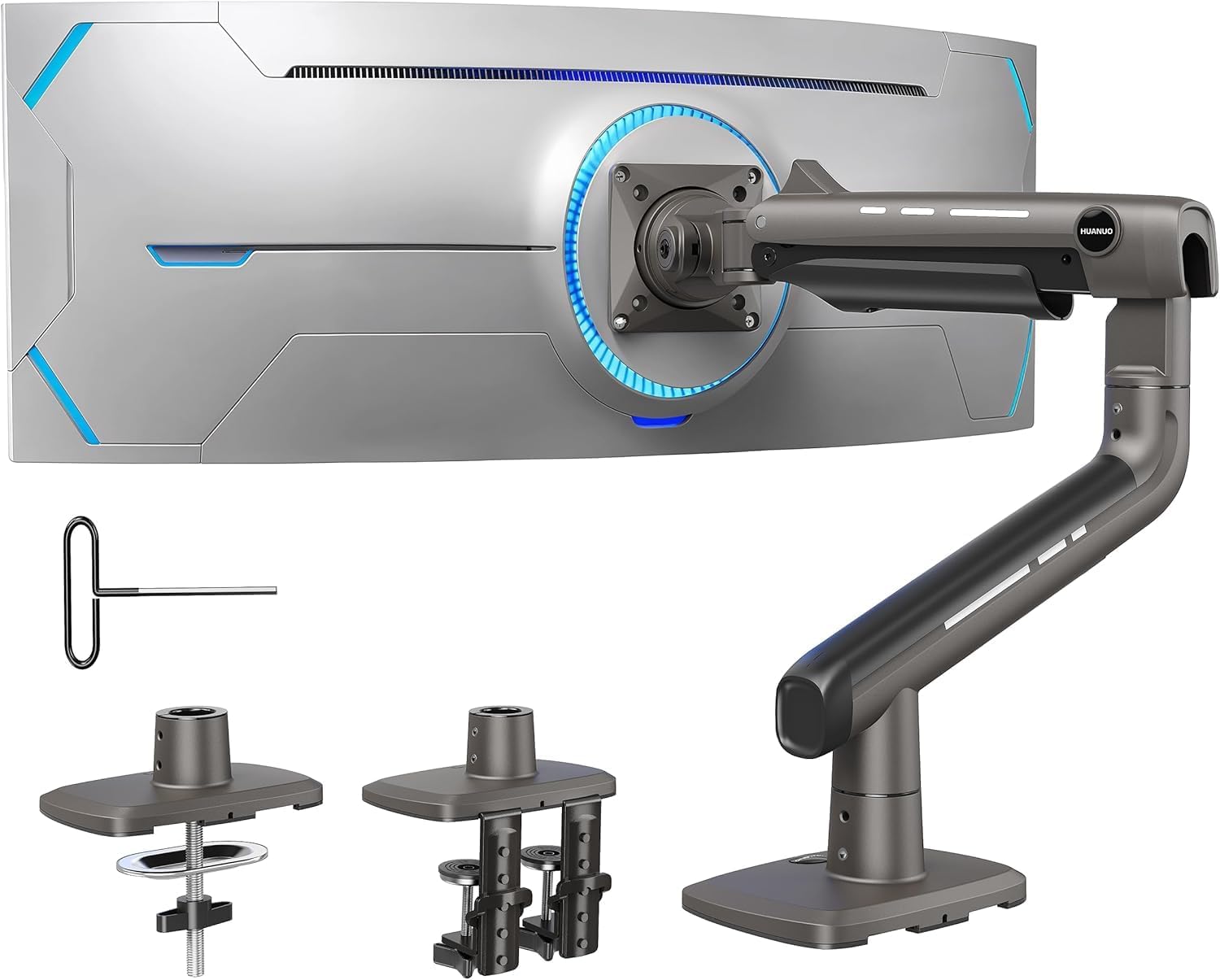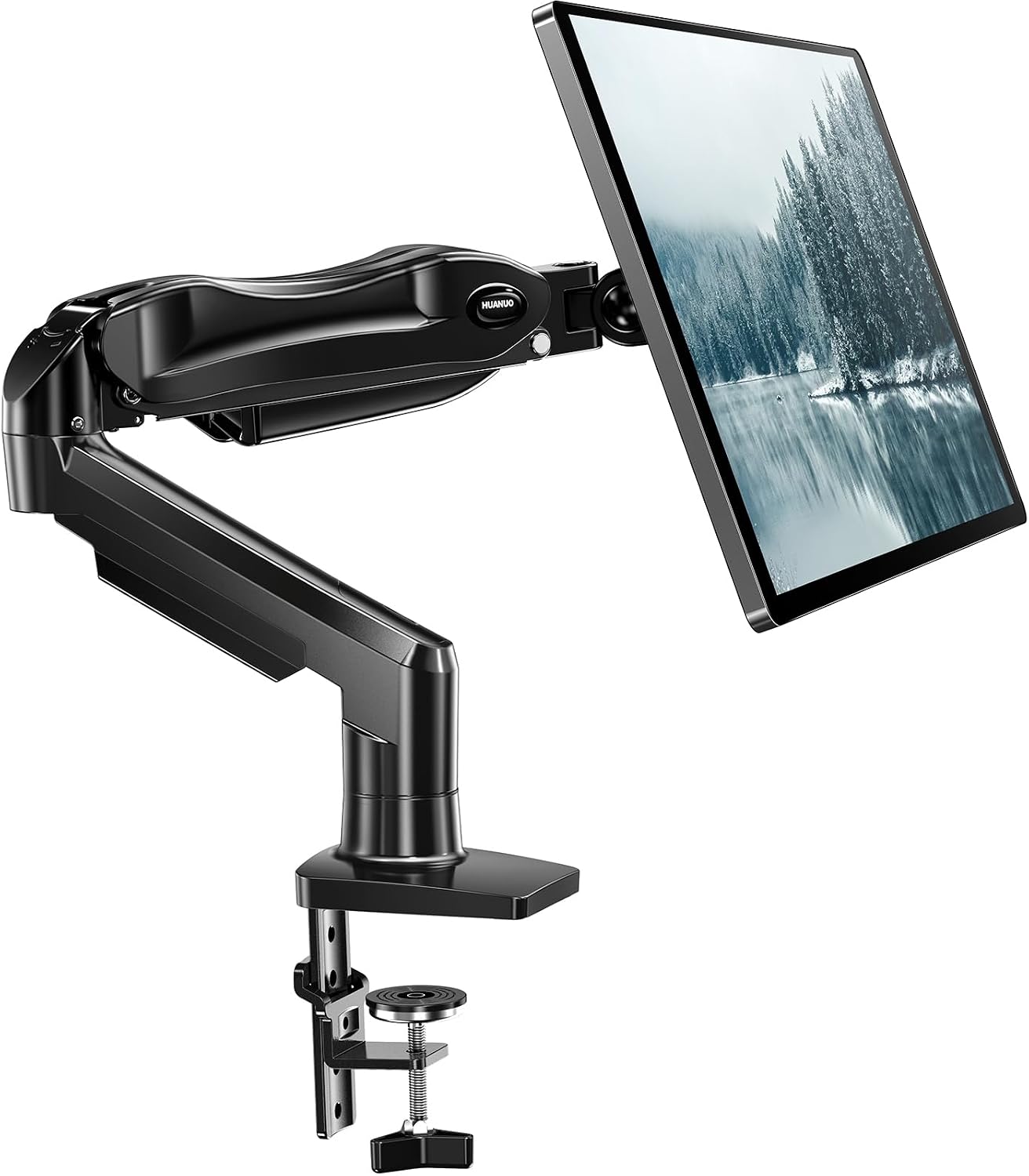
Match the screen, arm and desk
Check screen weight, mounting interfaces and usable desk space before choosing a monitor arm.
Read the guideCompare the display, support and desk as one documented arrangement.
Check screen weight, mounting interfaces and usable desk space before choosing a monitor arm.
Read the guideIdentify the exact model, mounting conditions and cable route before following its installation manual.
Read the guideA stand, an arm and a shelf solve different problems.
Read the guideA dual monitor arm needs two complete display checks and one complete desk check.
Read the guideFor an ultrawide display, weight is only one part of the match.
Read the guideWall, floor and ceiling monitor mounts use different support structures from a desk clamp.
Read the guideA triple monitor mount must match three displays and the intended arrangement.
Read the guideA laptop tray on an arm is a different configuration from a monitor on a VESA plate.
Read the guideA reinforcement plate, adapter or DIY arm part changes a load-bearing assembly.
Read the guideAn Acer monitor-arm search can mean an arm for an Acer display or a branded accessory.
Explore the briefFor an Alienware display, compare the exact housing and mounting configuration with the arm.
Explore the briefTreat an Amazon Basics monitor arm as an exact listing and model, not a permanent specification attached to the brand.
Explore the briefAn AOC screen and an arm require two model records.
Explore the briefSeparate ARES WING single- and dual-screen requirements before comparing an arm.
Explore the briefKeep the ROG Ergo Monitor Arm AAS01 distinct from the ASUS display it may support.
Explore the briefAn AVLT brand search needs to be narrowed to a specific mounting configuration.
Explore the briefDistinguish a BenQ display-mounting question from a question about a BenQ arm.
Explore the briefKeep Dell MSA20 single-arm questions separate from dual-monitor support questions.
Explore the briefVari and Varidesk search wording should lead to an exact product record.
Explore the briefThe current ErGear arm record is a conditional candidate, not a complete compatibility answer.
Explore the briefSeparate Ergotron LX, LX Pro and HX configurations before comparing them.
Explore the briefFor an ESI monitor arm, begin with the actual installed or proposed configuration.
Explore the briefCompare Fellowes monitor supports by configuration and mounting requirements.
Explore the briefA FlexiSpot desk and a FlexiSpot monitor arm are separate products with separate compatibility requirements.
Explore the briefTreat Flo, Ollin and Jarvis as distinct monitor-arm lookup targets.
Explore the briefCompare HUANUO FlowLift and TitanLift using their exact records.
Explore the briefKeep Humanscale M2, M2.1, M8.1 and M10 model identities intact.
Explore the briefAn IKEA monitor-arm search should distinguish a branded support from an arm intended for an IKEA desk.
Explore the briefA Knoll monitor-arm inquiry may involve an existing office installation.
Explore the briefFor an LG monitor-arm setup, identify whether you are choosing a separate arm or working with a display’s supplied support system.
Explore the briefA search for Logitech monitor arm needs product-category clarification first.
Explore the briefFor Monoprice monitor supports, the exact product identifier is more useful than a broad brand search.
Explore the briefFor Mount-It supports, identify the exact model and installation type.
Explore the briefFor a MountUp single monitor arm, the exact model and complete supported load range matter more than a broad screen-size label..
Explore the briefKeep an MSI display and an MSI-branded support as separate records.
Explore the briefA North Bayou arm needs an exact model record before a useful comparison.
Explore the briefFor a One For All mount, first identify whether the selected support is intended for a monitor, television or another display arrangement.
Explore the briefFor an ONN monitor arm, keep the exact item number, package and manual together.
Explore the briefFor a Pixio arm, compare the exact support with the display and desk separately.
Explore the briefSeparate Secretlab standard, dual and Heavy Duty monitor-arm configurations.
Explore the briefFor a Steelcase monitor support, identify the installed furniture interface and exact arm assembly.
Explore the briefAn UPLIFT desk and monitor arm need an exact pairing check even when selected from the same brand.
Explore the briefFor a VIVO arm, narrow the comparison to the exact product code and screen arrangement.
Explore the briefFor a WALI monitor support, identify the exact stand or arm configuration before comparing it with another budget option.
Explore the briefFor a Workrite Ergonomics arm, the exact assembly and mounting interface should anchor the comparison.
Explore the briefNo content matches. Try a broader search or select All.