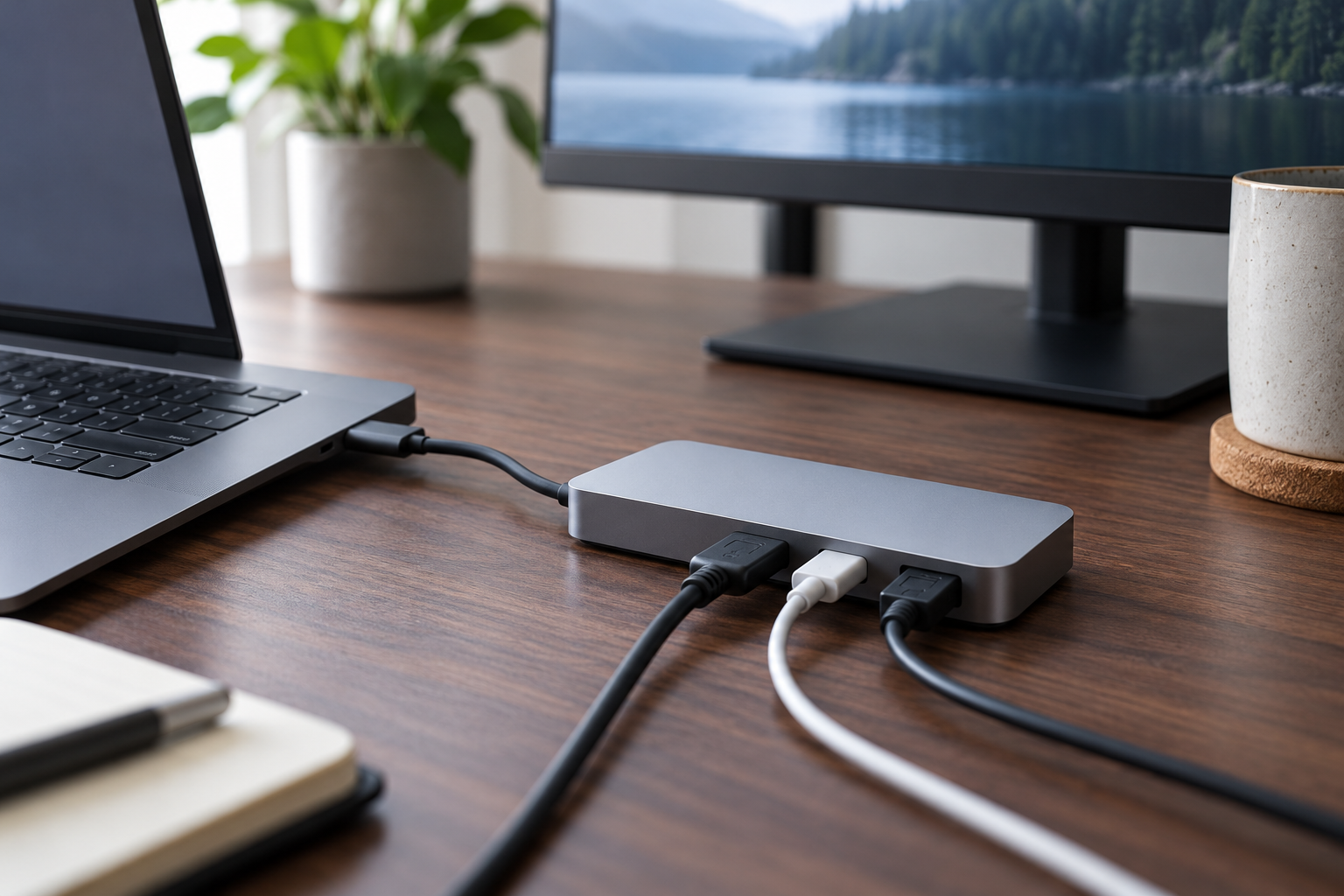
Laptop Desk Setup with an External Monitor
Start a laptop-and-monitor setup by deciding whether the laptop screen stays open.
Read the guideHost, dock, cable and display: check the complete path.
Start a laptop-and-monitor setup by deciding whether the laptop screen stays open.
Read the guideChoose a USB-C dock by the computer, displays and power path it must serve.
Read the guideAn open laptop stand changes screen position; a vertical holder stores the laptop differently.
Read the guideSet up a desktop workstation in two passes: first establish a working computer and display connection, then arrange the surrounding desk.
Read the guideFor a Mac or Surface setup, record the exact computer generation before selecting a dock.
Read the guideChoose a lap desk by the actual laptop, input method and support position.
Read the guideChoose a dock cable for the complete job: host connection, data, displays and power.
Read the guideFor a Mac dock, start with the exact Mac and required display arrangement.
Read the guideA multi-monitor dock needs a documented simultaneous-display configuration.
Read the guideFor an iPad or Steam Deck desk setup, first decide what the external screen and input devices need to do.
Read the guideCompare Anker 563, 568, 575 and 675 as different connection systems.
Explore the briefA Dell laptop and a Dell dock still need an exact compatibility check.
Explore the briefKeep the HP USB-C Dock G5 distinct from other HP docks and from the laptop connected to it.
Explore the briefFor j5create JCD543, software requirements are part of the compatibility decision.
Explore the briefFor a Lenovo dock, pair the exact dock identifier with the laptop model and required display mode.
Explore the briefMSI USB-C Docking Station Gen 2 should be checked against the exact laptop and required output configuration.
Explore the briefFor a Plugable multi-display dock, identify the exact model and its output technology before counting ports.
Explore the briefA StarTech dual-laptop USB-C KVM dock has a different task from an ordinary one-host dock.
Explore the briefTargus Universal Dual HD and Universal DV4K wording should lead to separate exact model records.
Explore the briefNo content matches. Try a broader search or select All.